
With the computation reviewed and the accounts finished, two filings remain: the CT600 with accounts and computation attached goes to HMRC, and the (usually filleted) accounts go to Companies House. Both run as guided wizards from the period menu.
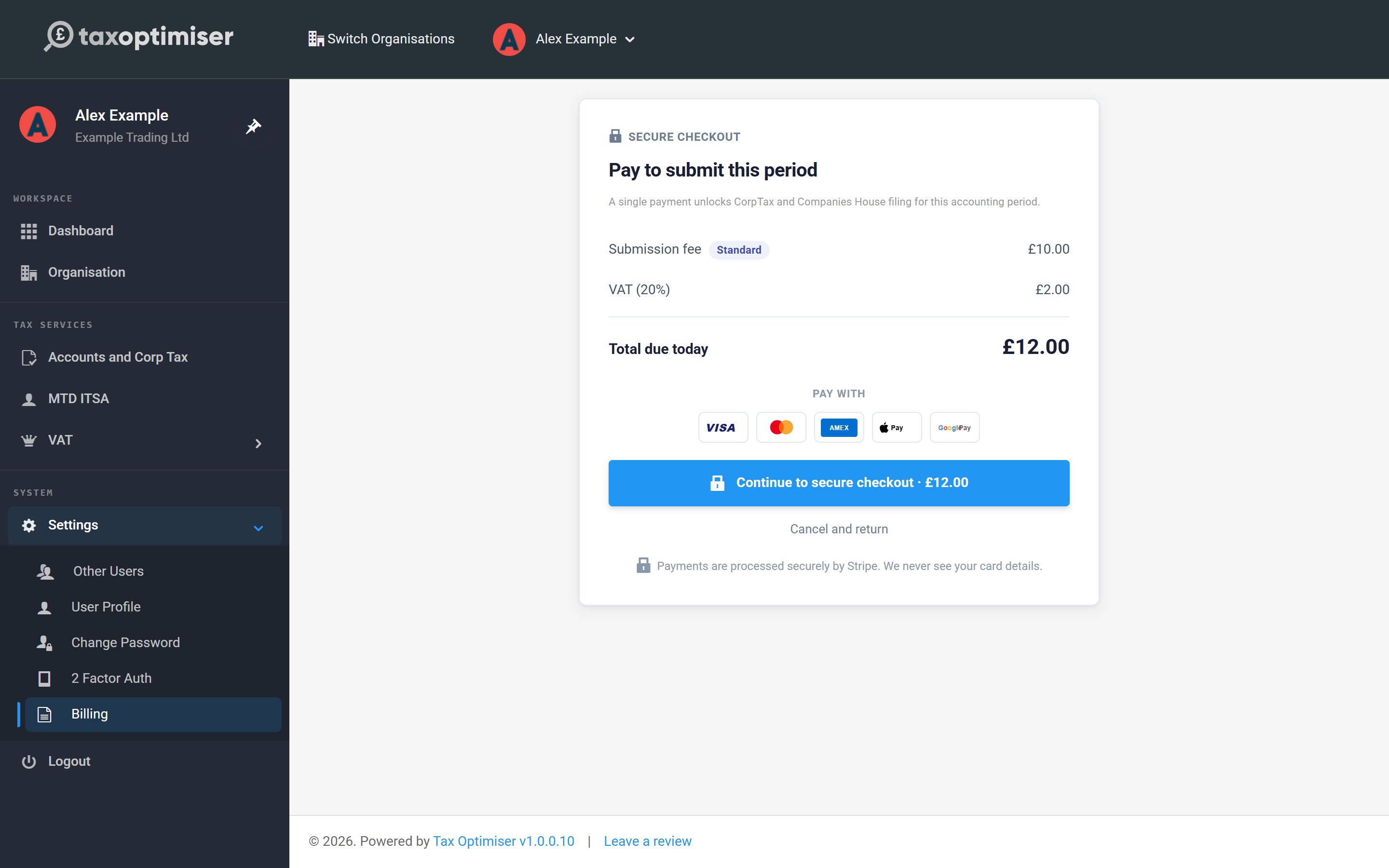
One payment unlocks both filings
The first time you open either submission for a period you're asked for the per-period submission fee. A single payment, made securely through Stripe, unlocks both the HMRC and Companies House filings for that accounting period.
Before you can send
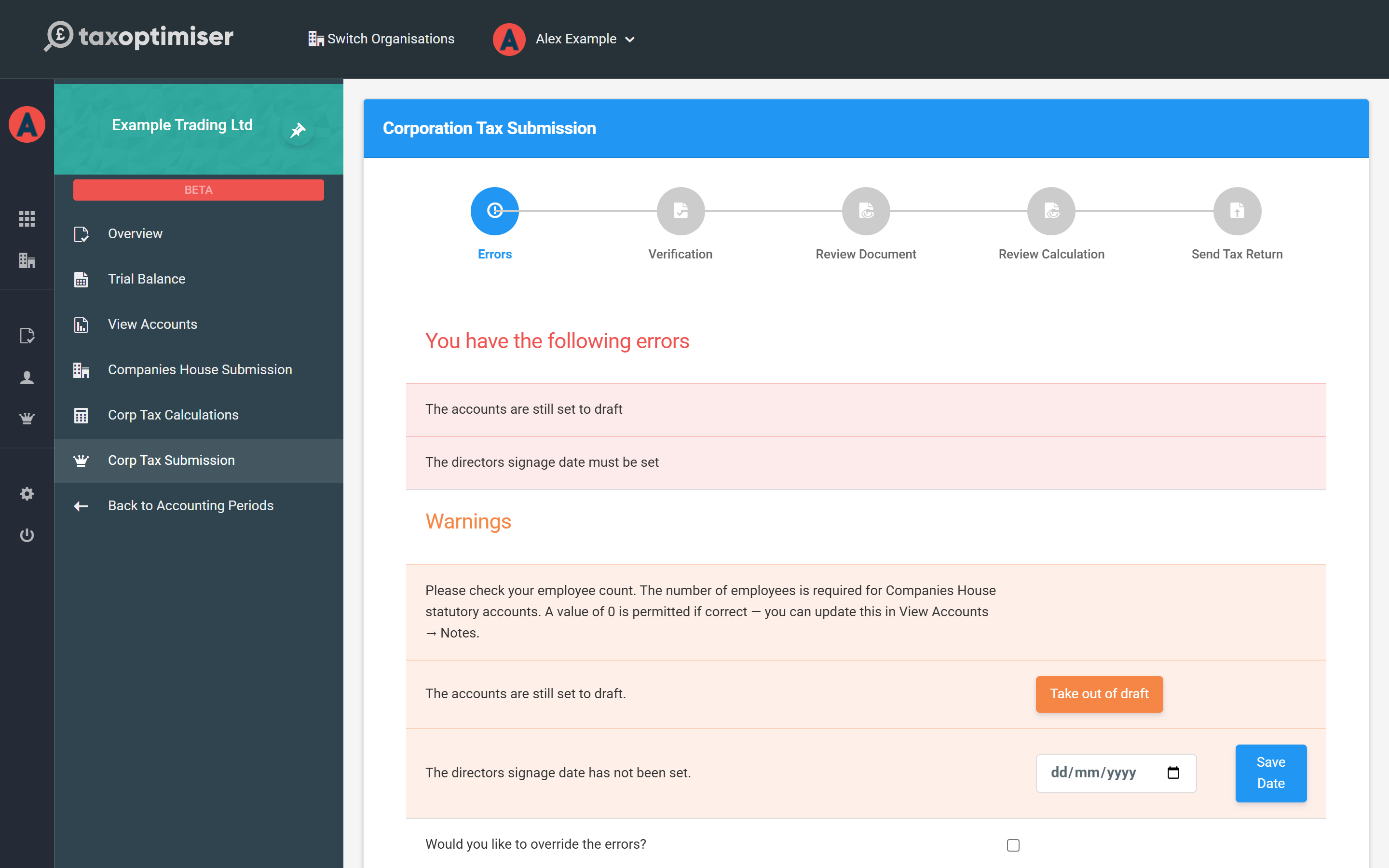
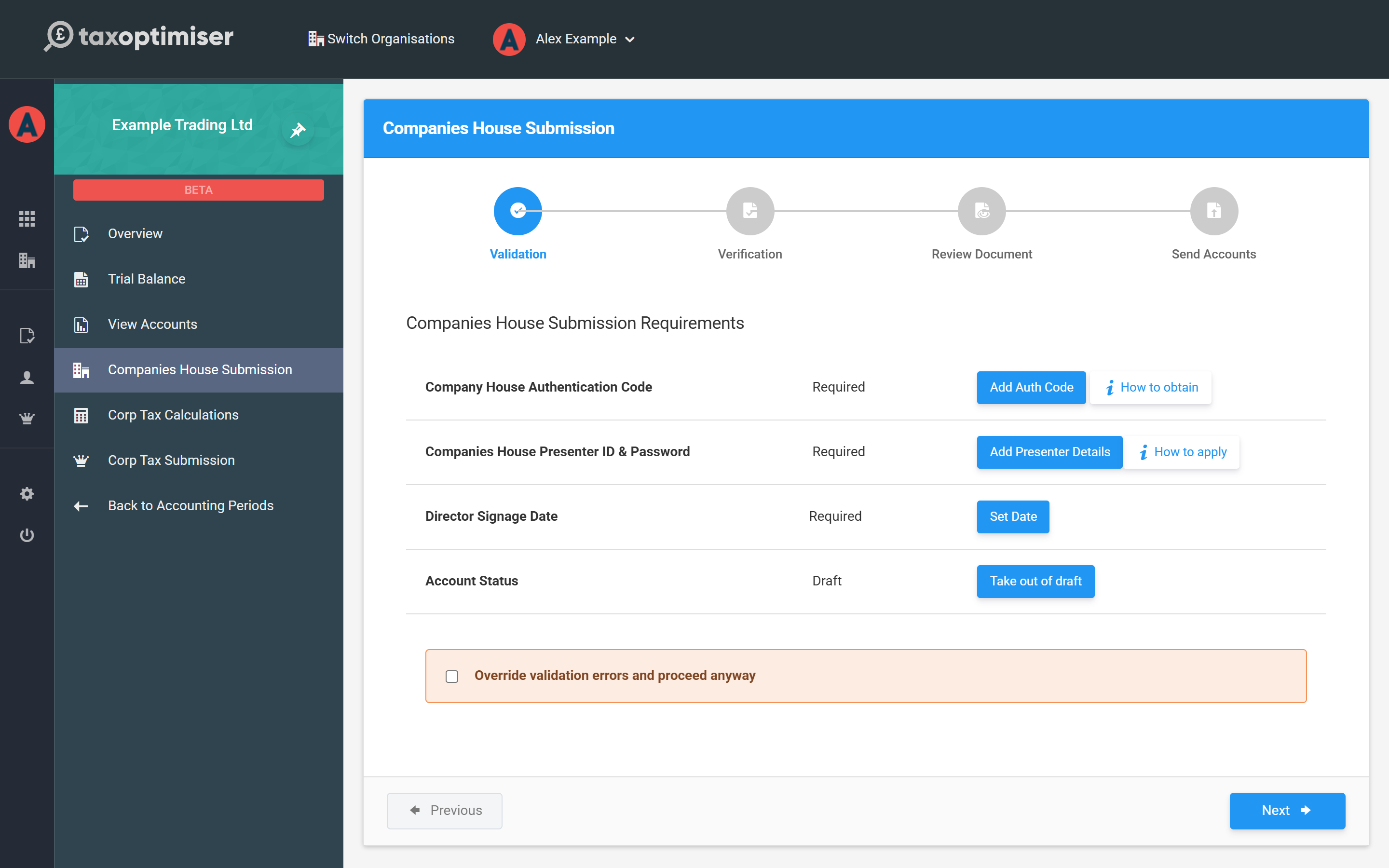
The wizards start by checking the period is actually ready, and list anything outstanding with a button next to each item:
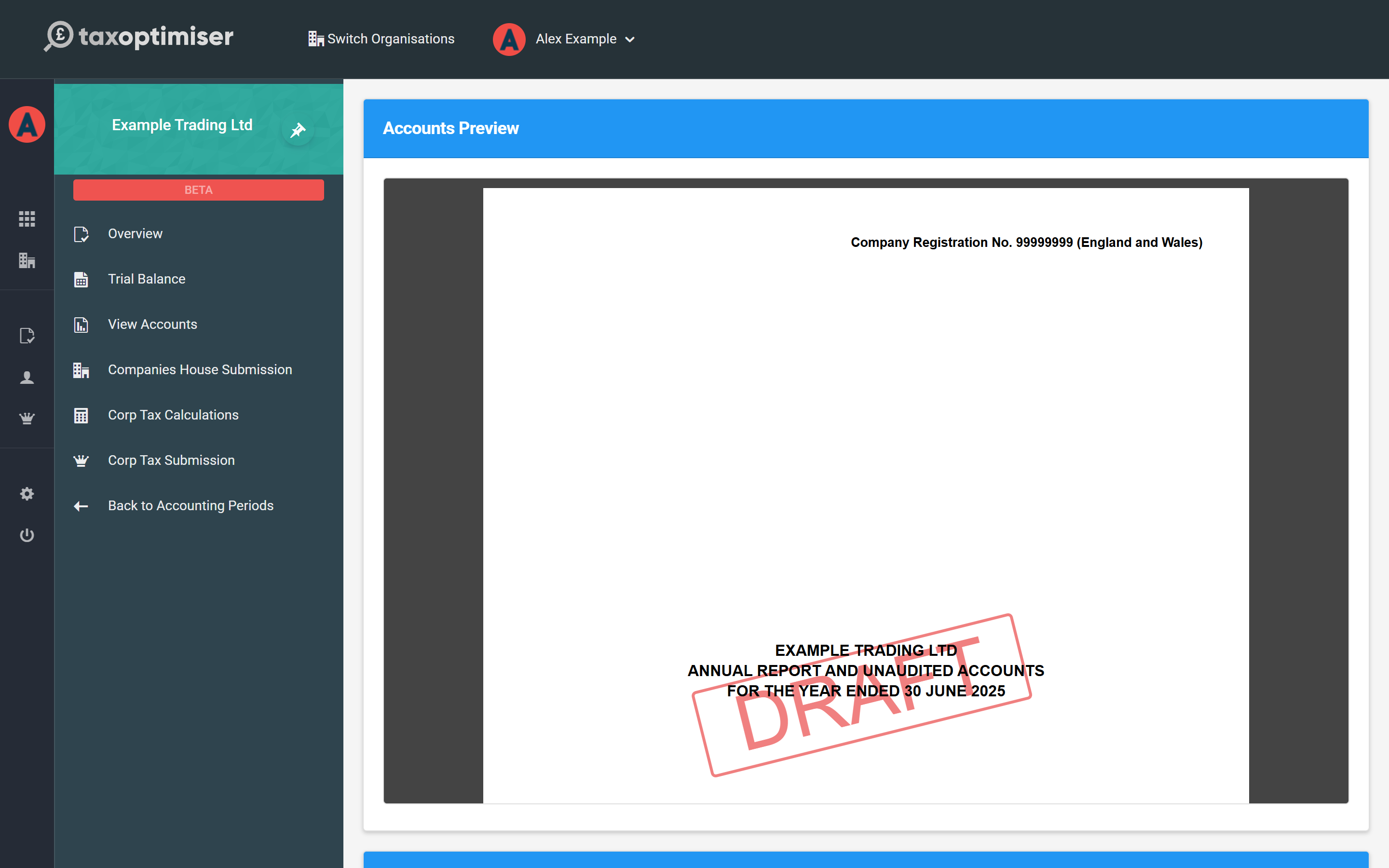
- Take the accounts out of draft — and sign them: the Sign Accounts action in View Accounts records the approval, and the director signage date is set alongside.
- Companies House authentication code — the 6-character code Companies House posts to the registered office (the How to obtain link covers requesting one).
- Presenter ID and password — your Companies House presenter account for software filing (How to apply explains the one-off registration). Accountant firms set this once at firm level.
- Government Gateway credentials — for the HMRC side, entered in Organisation settings.
The HMRC wizard
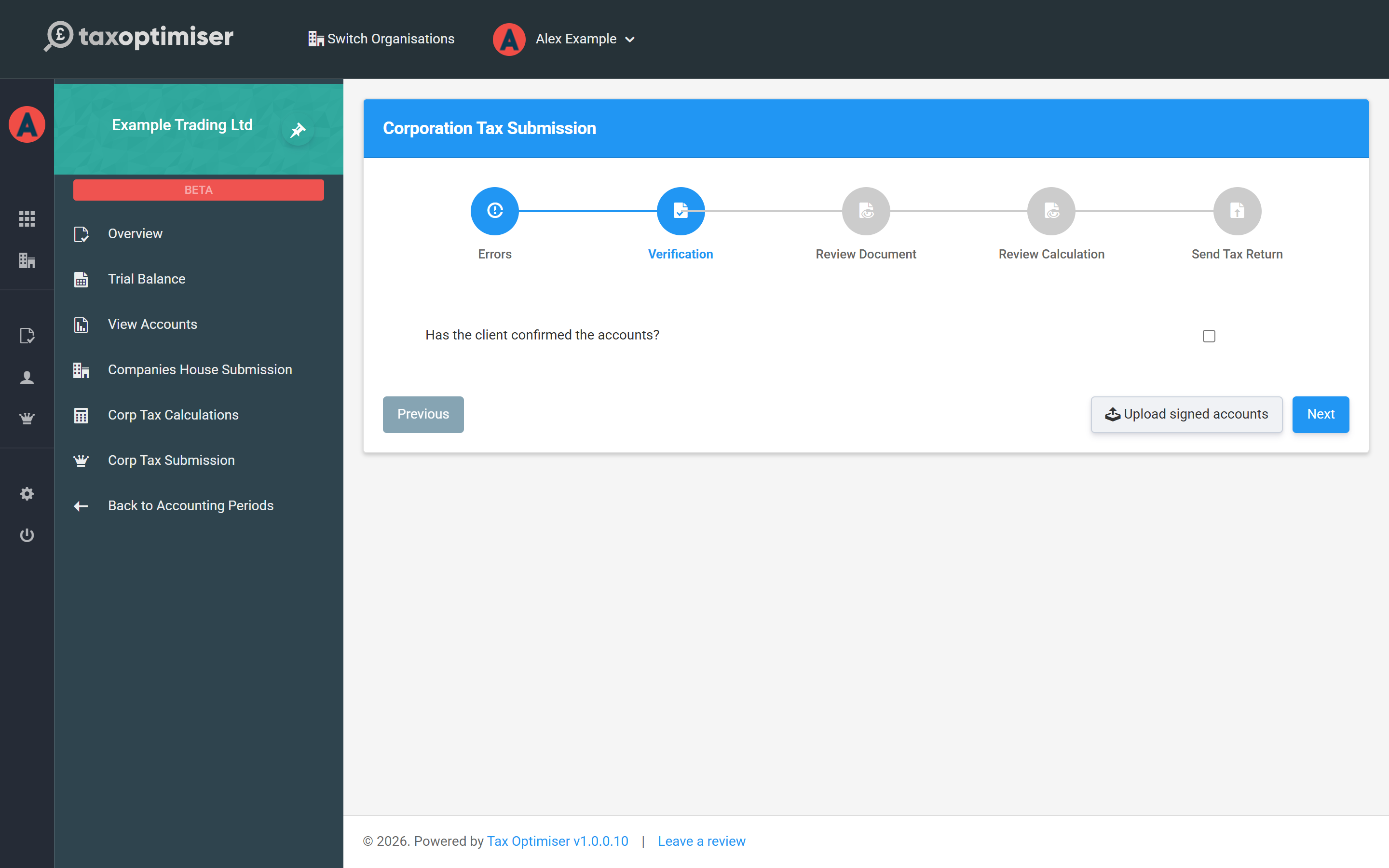
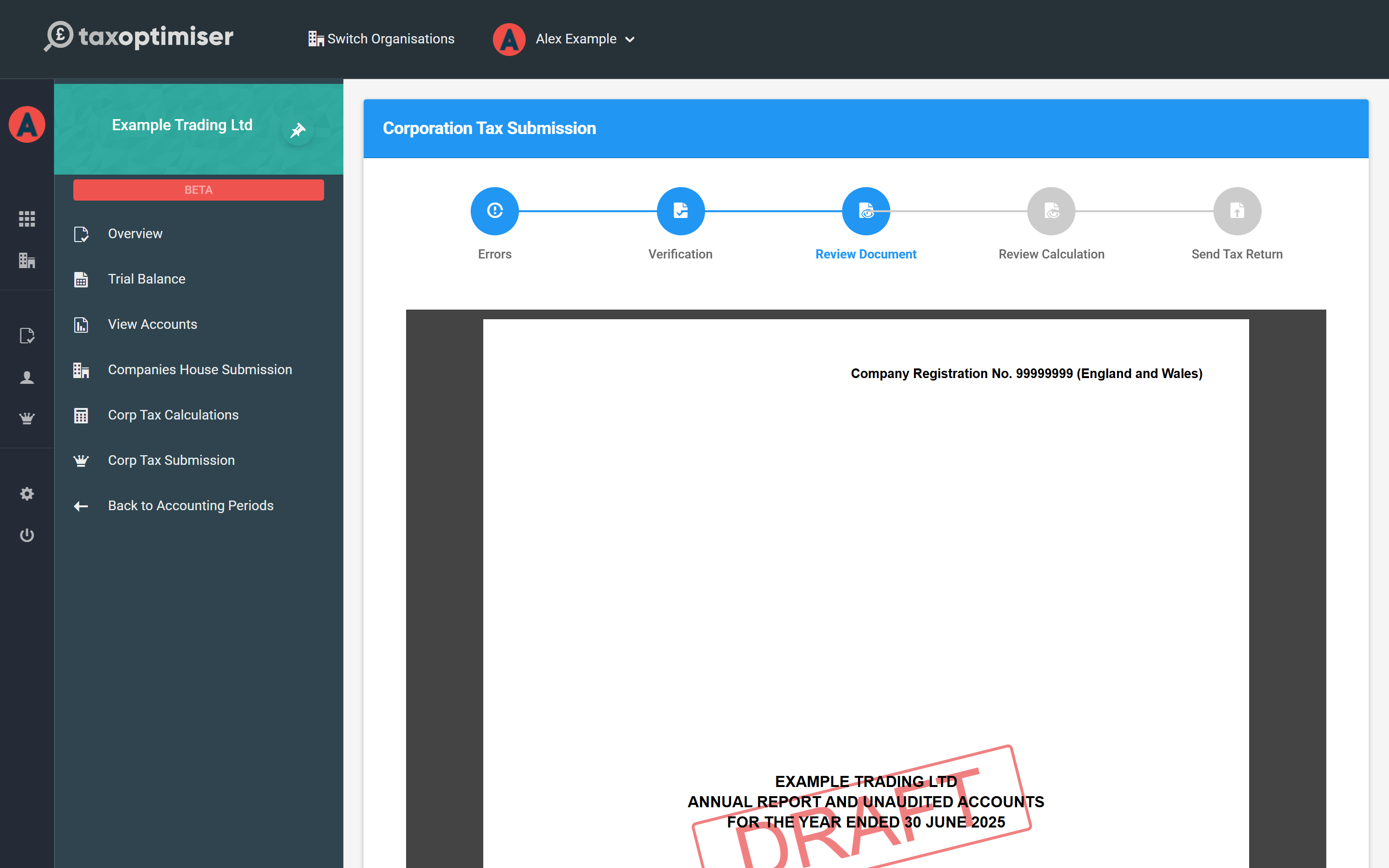
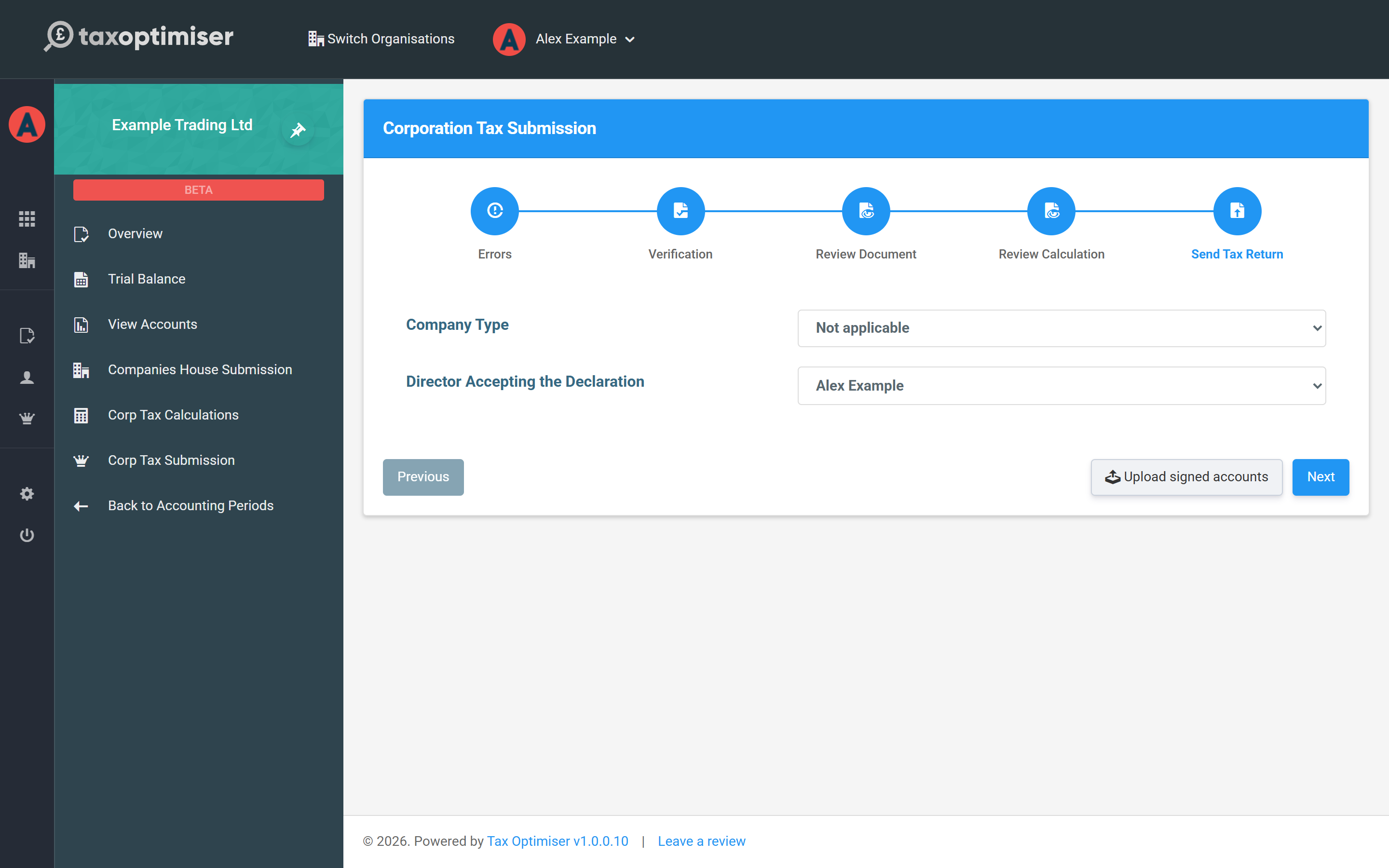
Corp Tax Submission walks five steps: Errors, Verification, Review Document, Review Calculation and Send Tax Return. Verification asks you to confirm the client has approved the accounts; the two review steps embed the final accounts and computation for a last read; the send step confirms the company type and the director accepting the declaration, then transmits the CT600 with iXBRL accounts and computation attached to HMRC.
The Companies House wizard
Companies House Submission follows the same shape — validation, verification, review, send — filing the filleted accounts electronically. Companies House processes electronic filings in minutes to hours, and the submission status on the period overview tracks acceptance automatically.
After sending
Each submission gets a receipt and its status is polled until HMRC or Companies House accept (or reject, with reasons shown). Once accepted, the period can be locked from the Overview so the filed numbers can't drift, and the dashboard deadlines update to the next period. If something needs correcting after acceptance, Mark as amended starts an amended filing from the same data.