
File your corporation tax and company accounts for £10
One price, both filings. Submit your CT600 and iXBRL accounts straight to HMRC and Companies House. Sync directly from Xero or QuickBooks, or upload your own spreadsheet. No subscription. No annual licence.
Sign up freeNo card required. Only pay £10 when you submit.
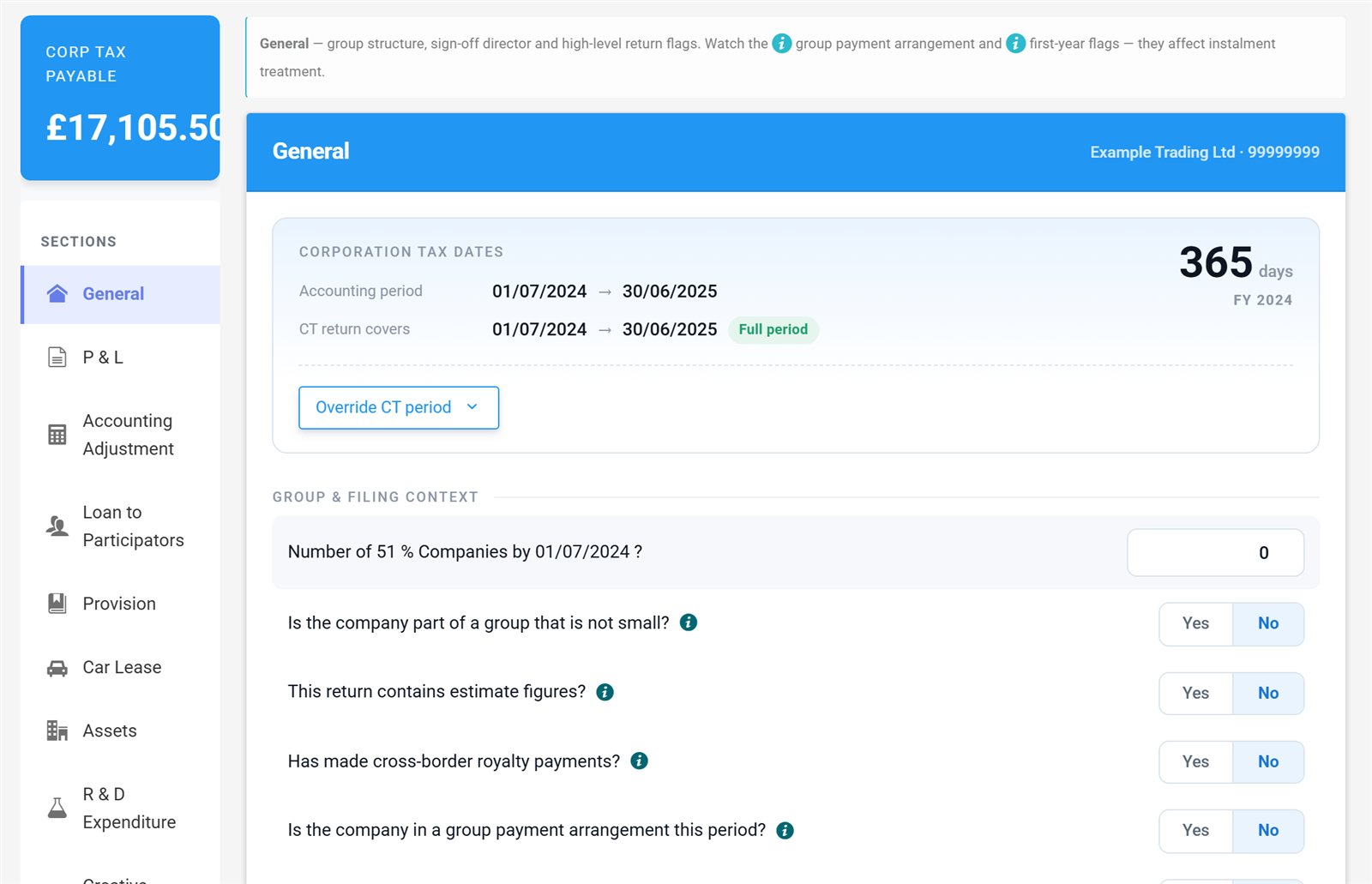
A real CT600 computation in the app — no mock-ups.
Built for directors and accountants alike
Whether you're filing for your own company or for clients, Tax Optimiser works the way you do.
Company directors
File your own corporation tax return and statutory accounts without needing an accountant. Our guided workflow handles the CT600 boxes, the iXBRL tagging, and the submission to HMRC and Companies House — £10 covers both filings for the year.
See how it works →Accountants and bookkeepers
Buy credits in bulk and bring per-filing cost down to £3. File CT600s for as many clients as you like, sync directly from each client's Xero or QuickBooks, and submit to HMRC and Companies House from one place.
See credit pack pricing →From accounts to filed CT600 in three steps
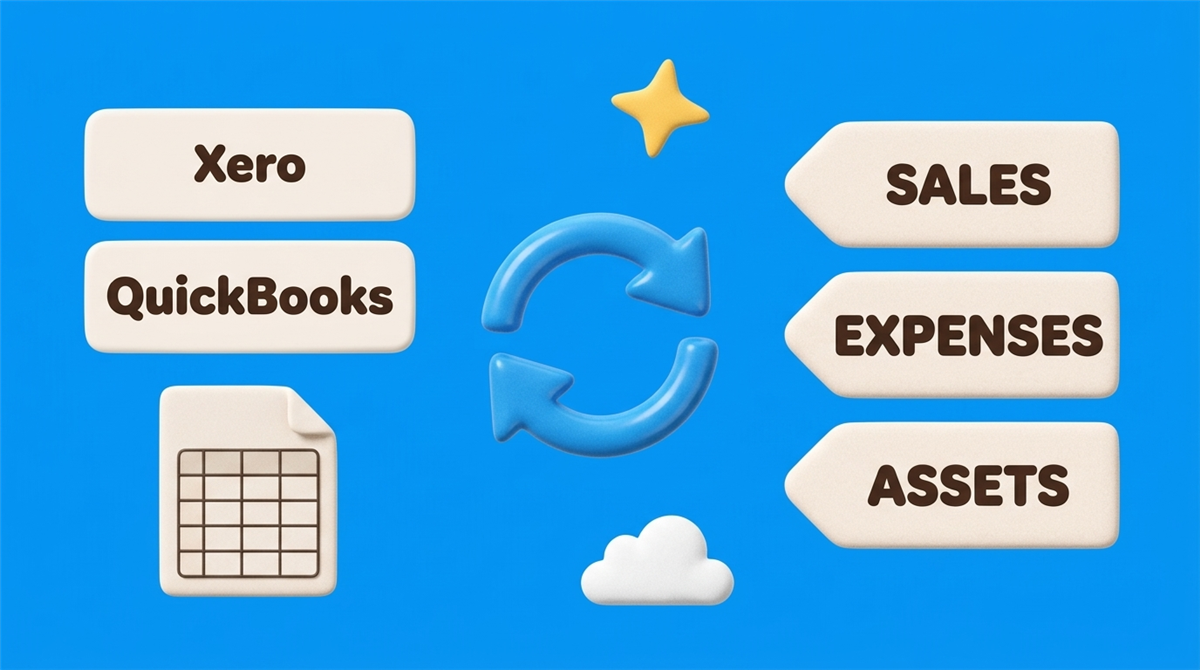
Connect Xero or QuickBooks, or upload a spreadsheet
Link your accounting software in under two minutes using OAuth, or upload your own trial balance spreadsheet. We map the chart of accounts automatically — no manual re-keying.
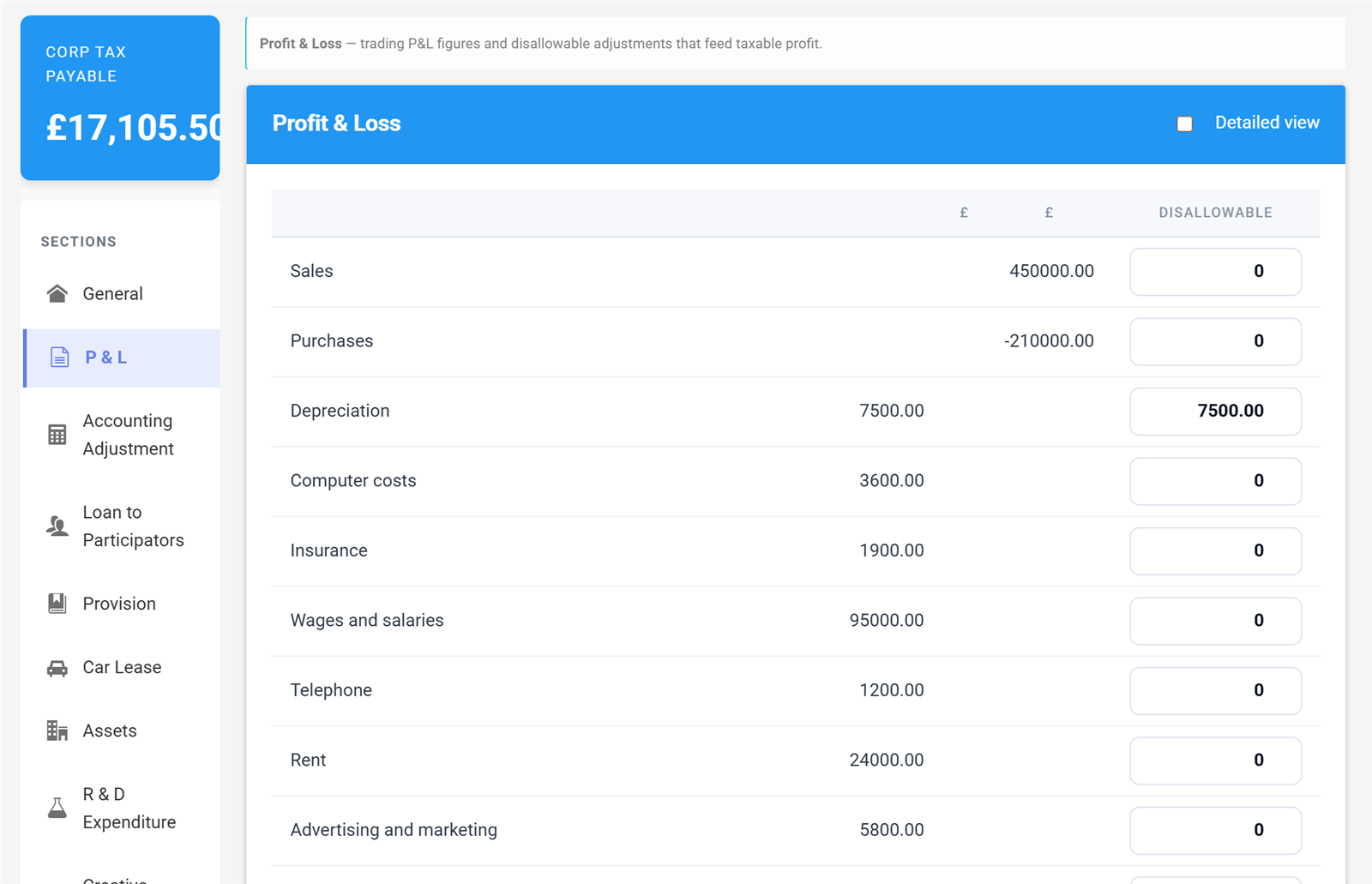
Review, map and adjust
Map your trial balance to the CT600 computation with our guided workflow. Post adjustment journals that sync back to your accounting system. Built-in validation flags issues before you submit.
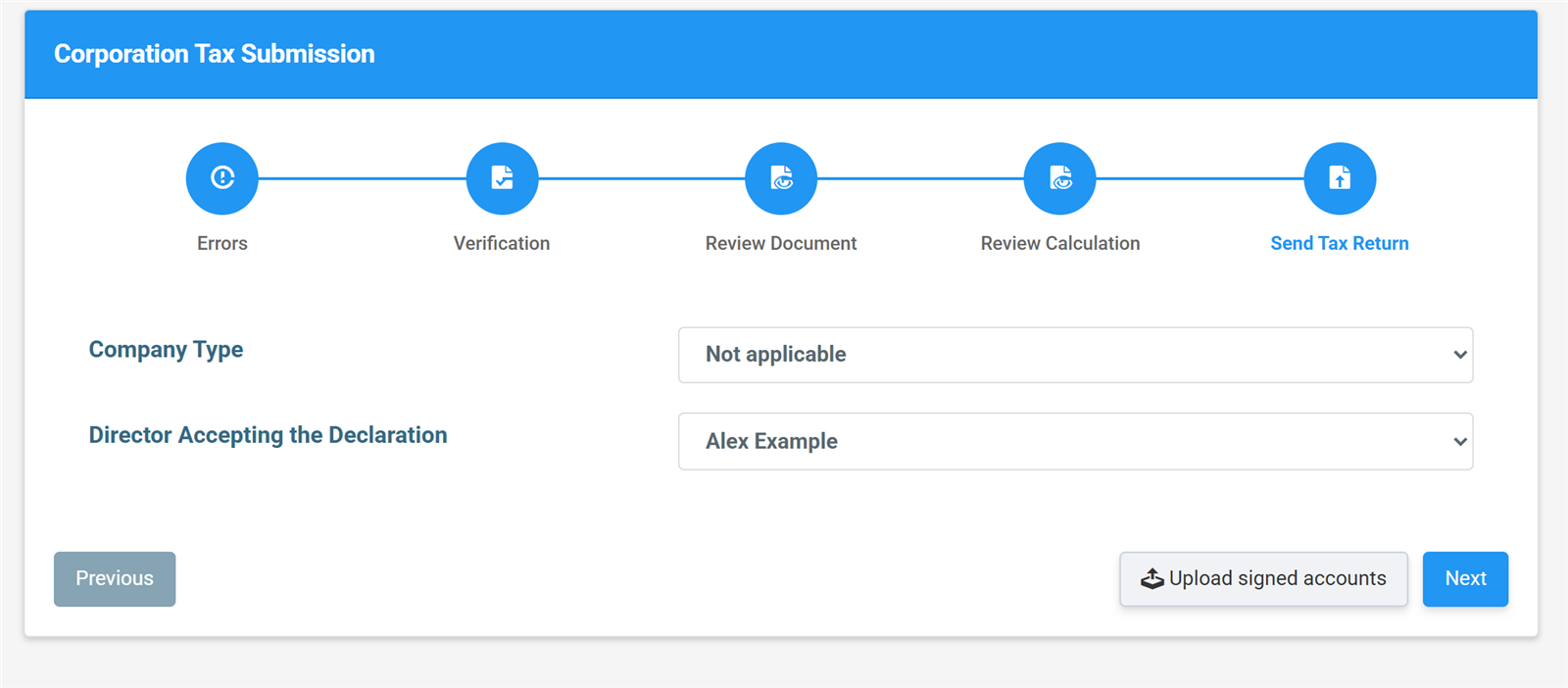
Submit CT600 + iXBRL and track deadlines
We generate iXBRL-tagged accounts and your CT600 and submit them directly to HMRC and Companies House from the app. Companies House deadline tracking is built in. You get confirmation receipts in minutes.
See exactly what you get
These are real screens from the app — the same ones our step-by-step user guide walks you through. No mock-ups, no surprises after you sign up.
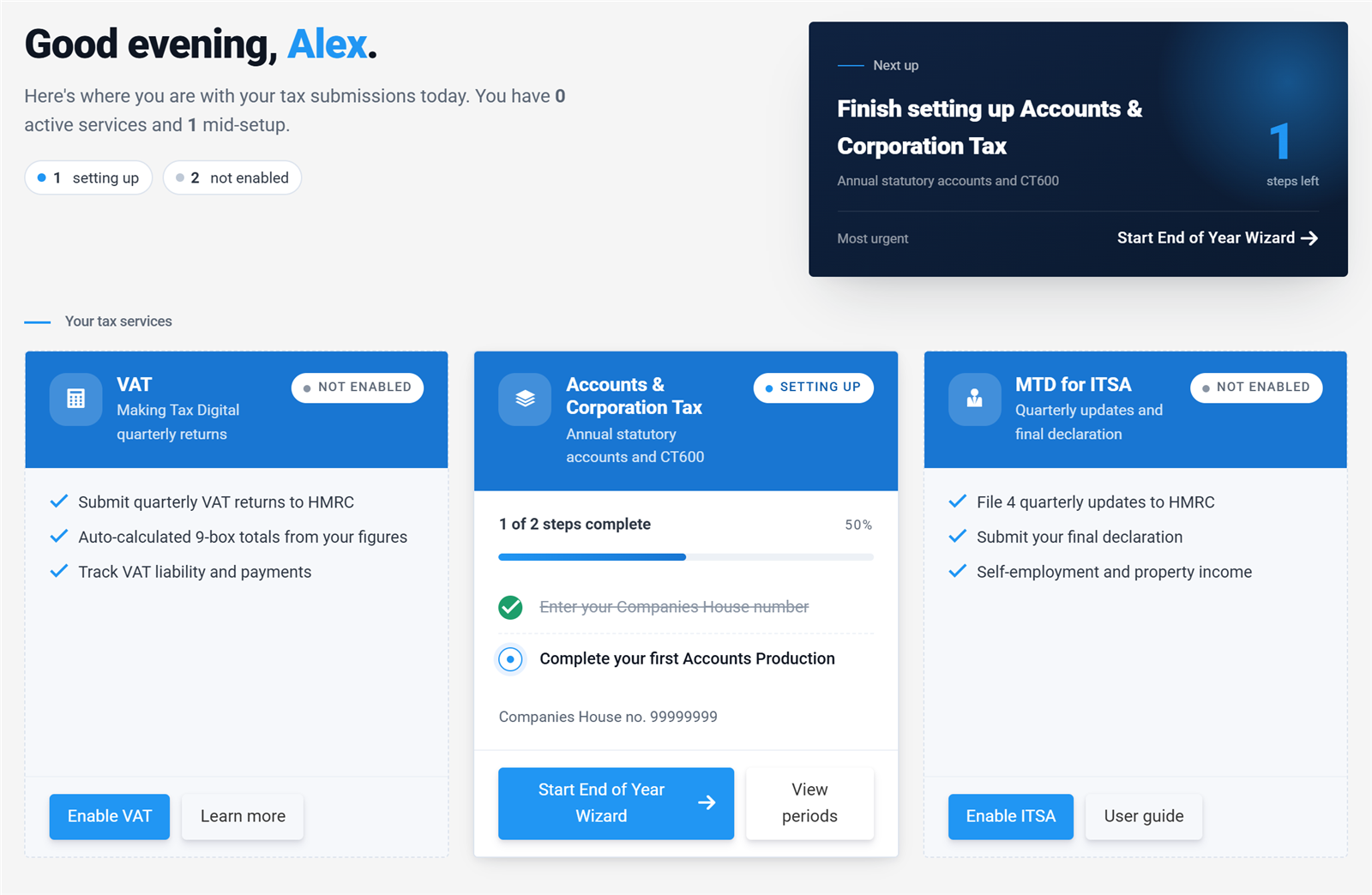
The End of Year wizard on the dashboard — real screen, no mock-ups.
Start with a wizard, not a blank form
The End of Year wizard walks you through company details, trial balance, accounts review and submission in one guided flow — you can't get lost. Your numbers come in however you keep them: straight from Xero or QuickBooks, an uploaded spreadsheet, or keyed in by category.
The tax maths is done for you
Add-backs, marginal relief, losses, the small profits rate — calculated automatically and shown in a computation you can actually read. Your corporation tax payable updates live at the top of the screen as you work, so there's never a surprise at the end.
Read the computation guide →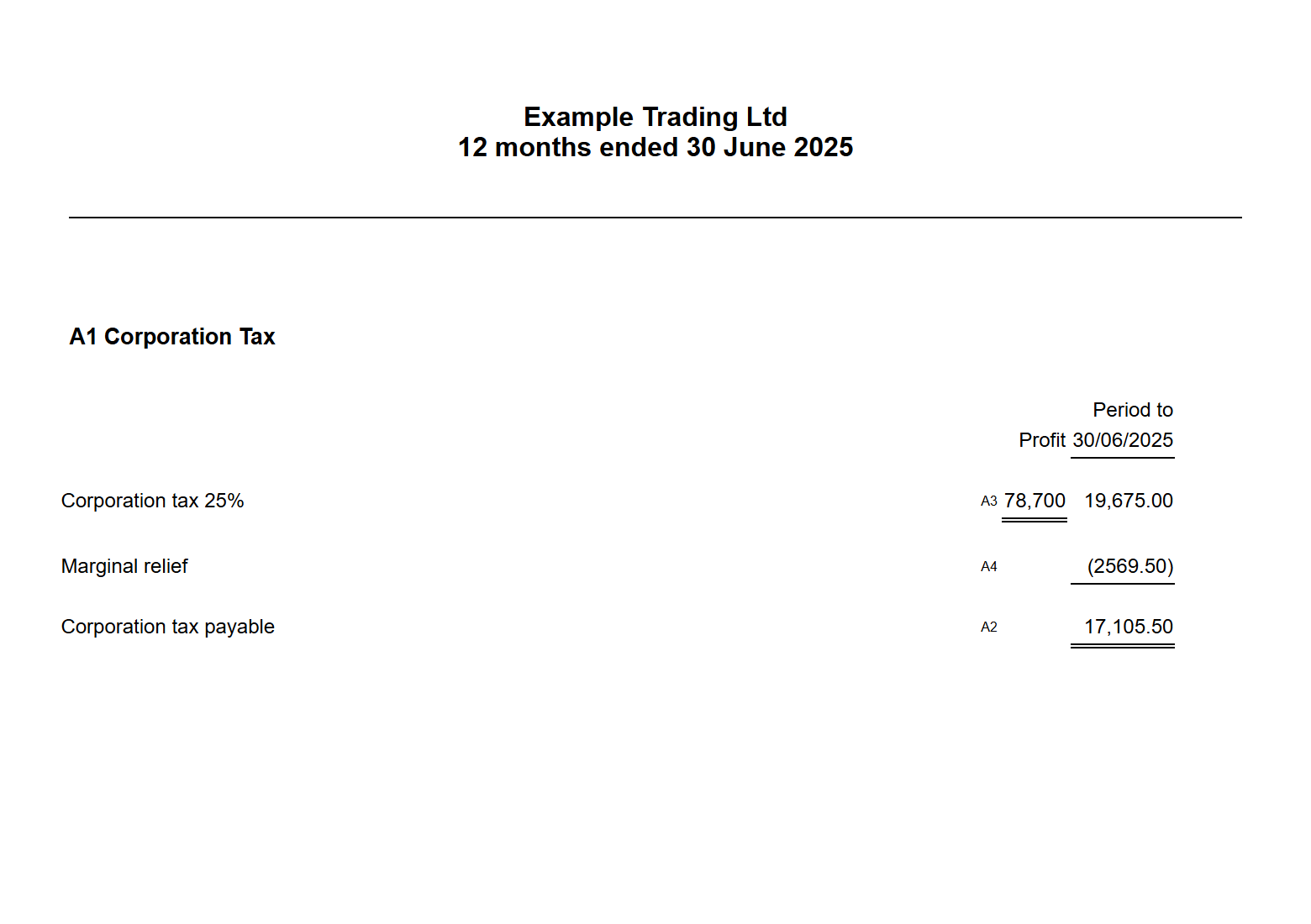
The generated computation, with marginal relief worked through.
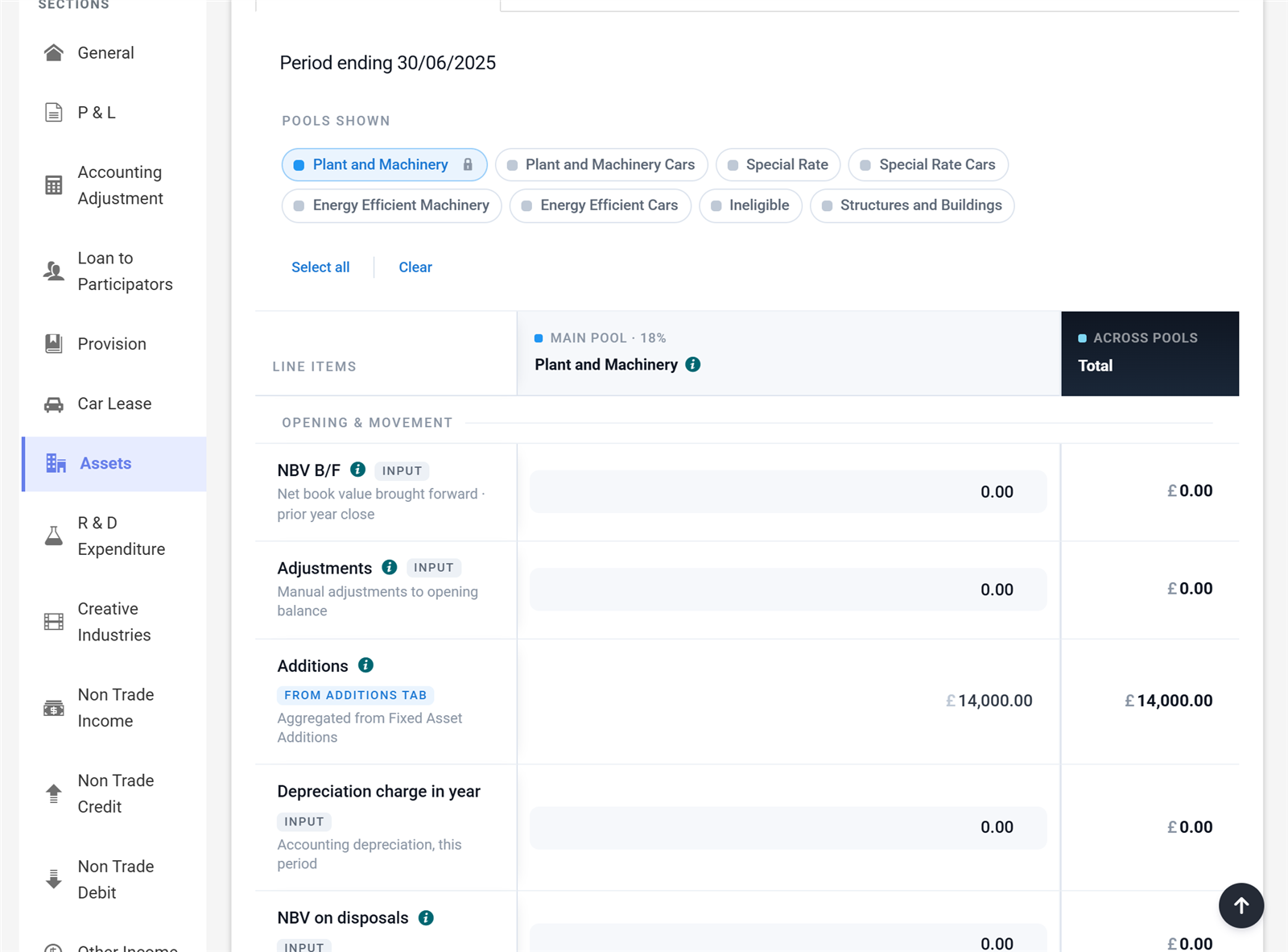
Asset pools feeding the computation automatically.
Capital allowances without the spreadsheet
Record asset additions once and let the app handle the pools — main pool, special rate, cars, structures and buildings. Annual Investment Allowance is allocated for you and everything flows straight into the computation and the CT600.
Read the capital allowances guide →Guided submission to HMRC and Companies House
FRS 105 or FRS 102 1A accounts are built from the same trial balance and tagged as iXBRL automatically. Two short wizards validate, verify and review the documents, then send everything directly — your CT600 and computations to HMRC, your accounts to Companies House. Receipts arrive in minutes, and the deadline tracker updates itself.
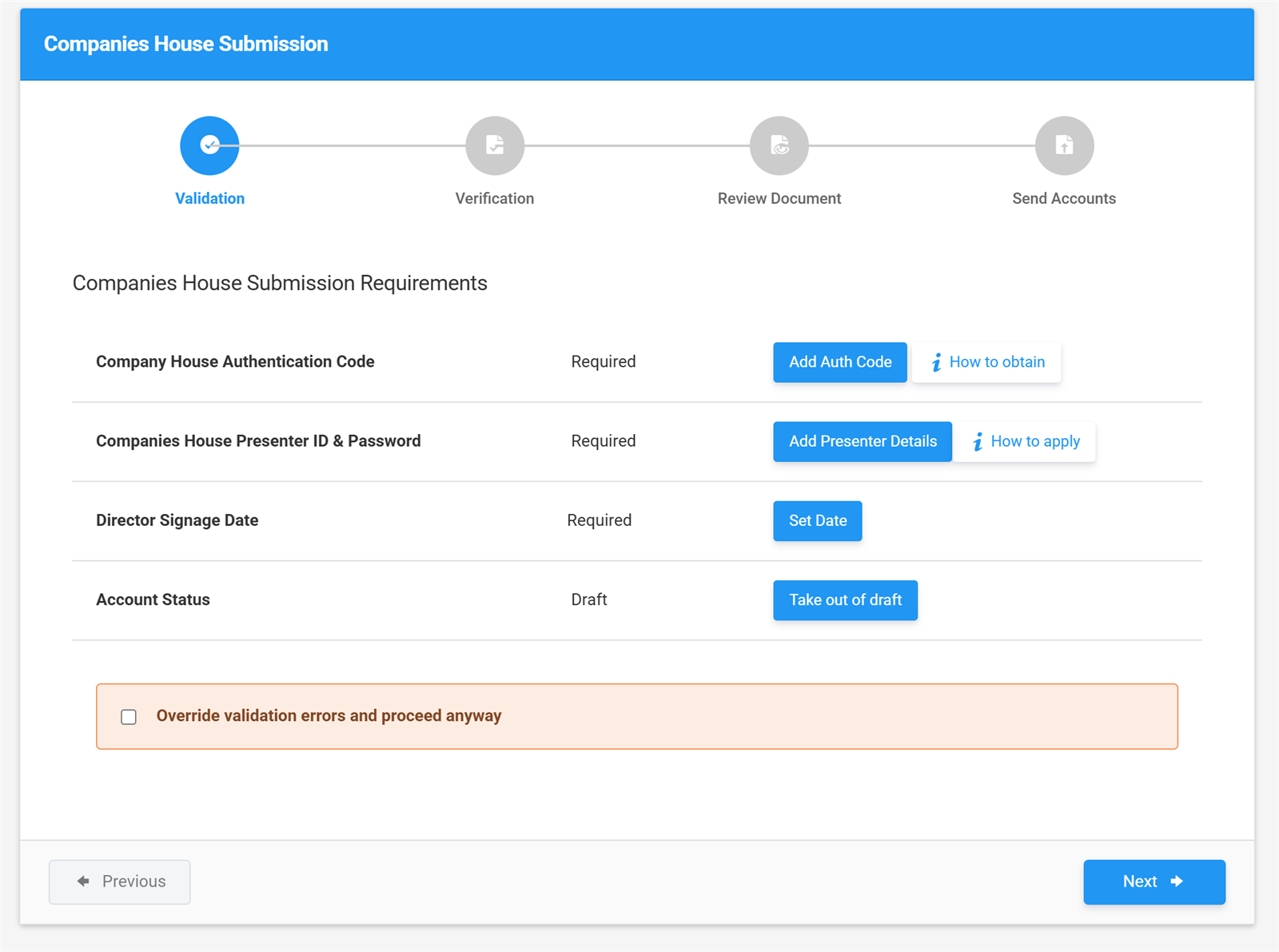
Validation, verification, review, send — the whole submission wizard.
Simple, honest pricing
One filing or a thousand — the more you buy, the less you pay. Working papers are included free with every filing.
Pay-as-you-go
per company, per year — covers both your statutory accounts and corporation tax submission
FRS 105 or FRS 102 1A accounts
Corporation tax (CT600) return
Direct Xero & QuickBooks sync
Automatic iXBRL tagging
Direct submission to Companies House and HMRC
Email support
For accountants and bookkeepers
One credit = one company, one year, both filings.
| Pack | Credits | Price | £ per credit |
|---|---|---|---|
| Pay-as-you-go | 1 | £10 | £10 |
| Starter | 25 | £200 | £8 |
| Practice | 100 | £600 | £6 |
| Growth | 250 | £1,250 | £5 |
| Scale | 500 | £2,000 | £4 |
| EnterpriseBest value | 1,000 | £3,000 | £3 |
All prices exclude VAT. Credits do not expire.
Sign up to buy credits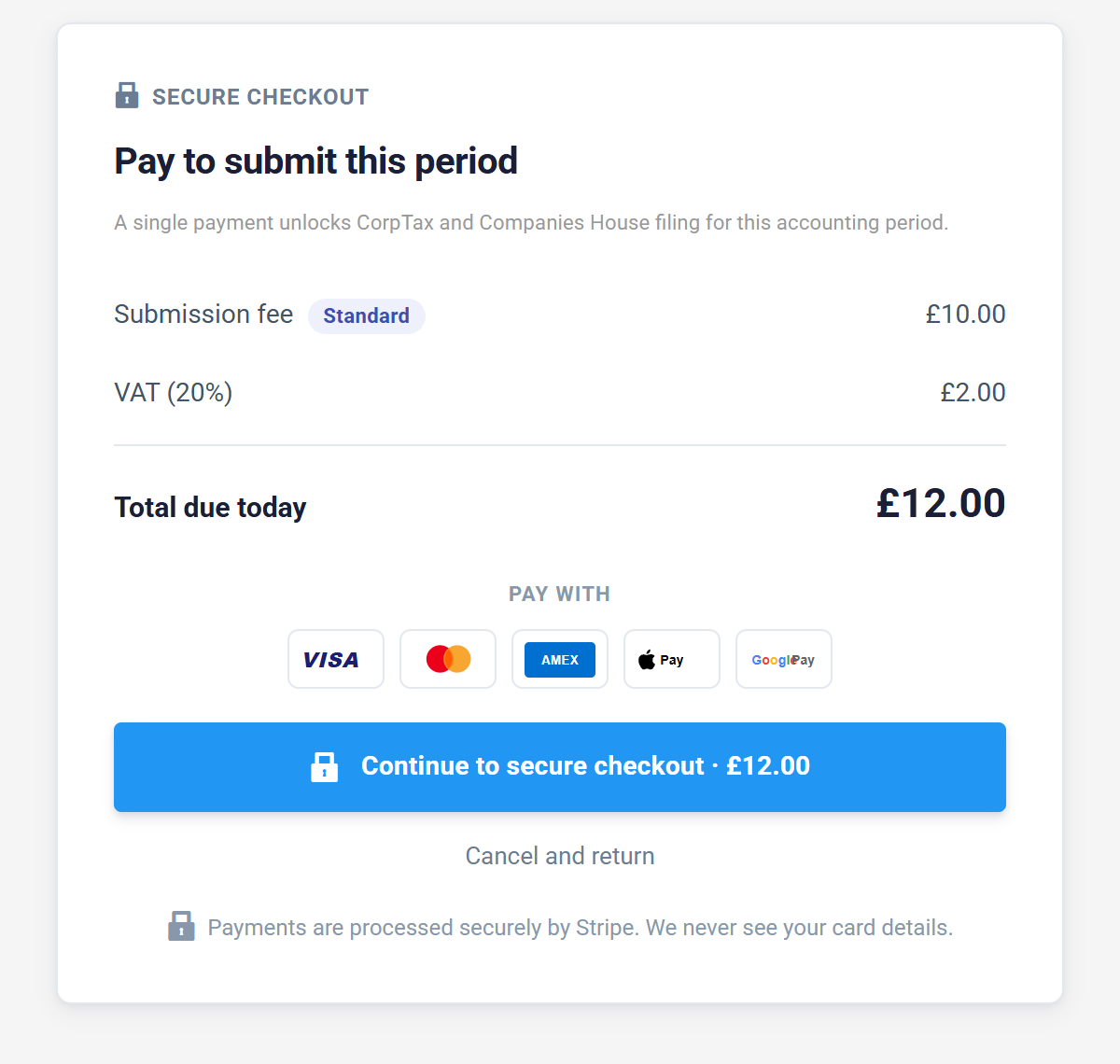
This is the entire checkout. £10 + VAT when you submit — no subscription hiding behind it. Real screen, no mock-ups.
See every screen before you sign up
Our free user guide walks through the whole journey — from creating your first accounting period to the HMRC and Companies House receipts — using the same screenshots you've seen on this page. Read it online or download the PDF edition.
Frequently asked questions
File your CT600 for £10. No subscription. No surprises.
Sign up free. Connect your accounting software. Only pay when you submit.
Sign up free