
Once HMRC accepts a return, the year locks: every section shows read-only so the filed position cannot drift by accident, and the deadline chip in the header shows the date it was filed. The banner across the top shows the amendment deadline — Self Assessment returns can be amended up to 12 months after the 31 January filing deadline (for 2025-26, until 31 January 2028).
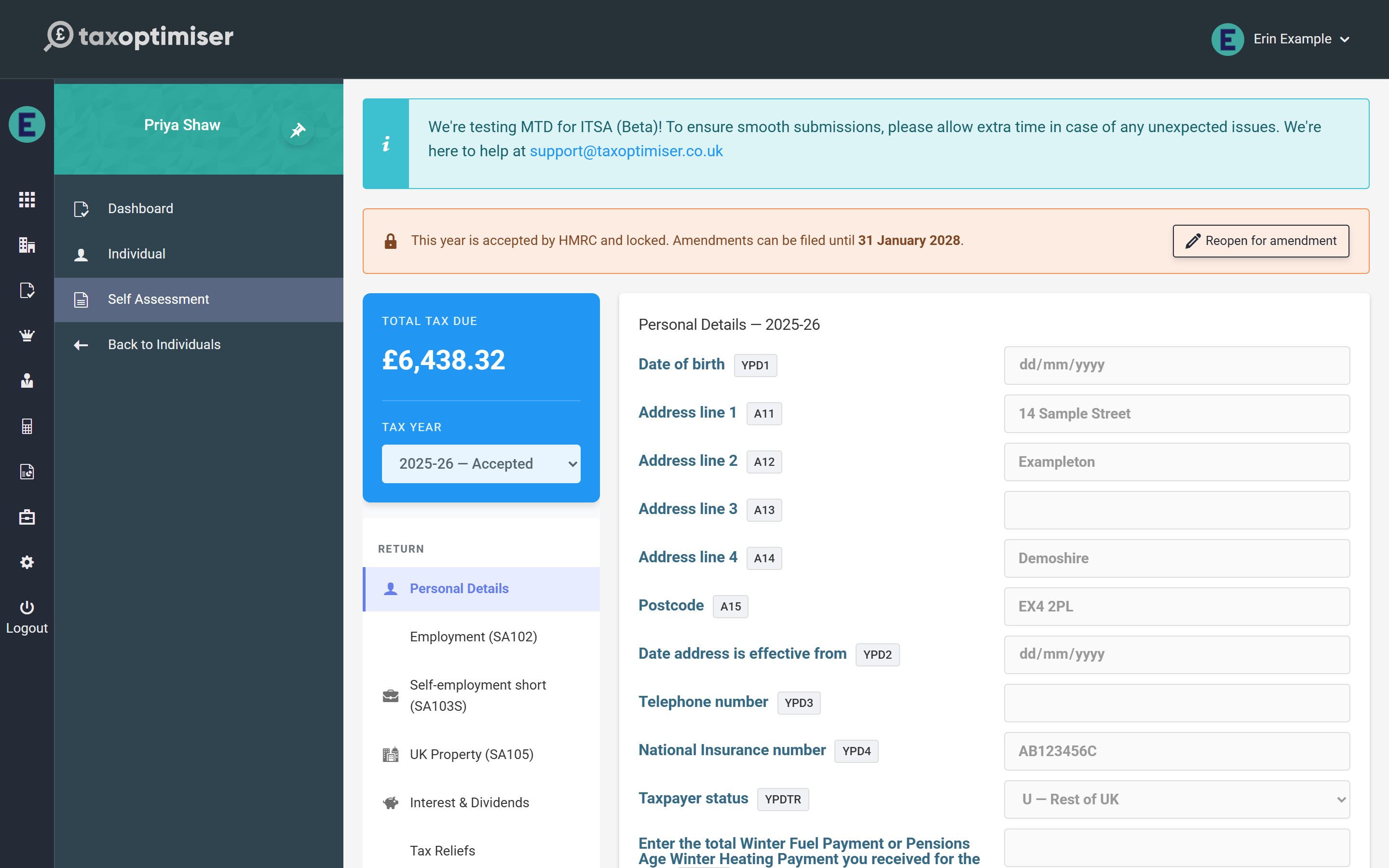
Reopening for amendment
Press Reopen for amendment and the year unlocks with an amendment banner: from this point the next submission is filed as an amended return, which HMRC treats as replacing the original. Edit whatever needs correcting — the calculation re-runs as usual, the Return Preview redraws, and the DRAFT watermark returns to the PDFs — then submit again from the Submission section exactly as before. The declaration step makes clear an amended return is being filed, and the history marks the attempt as amended.
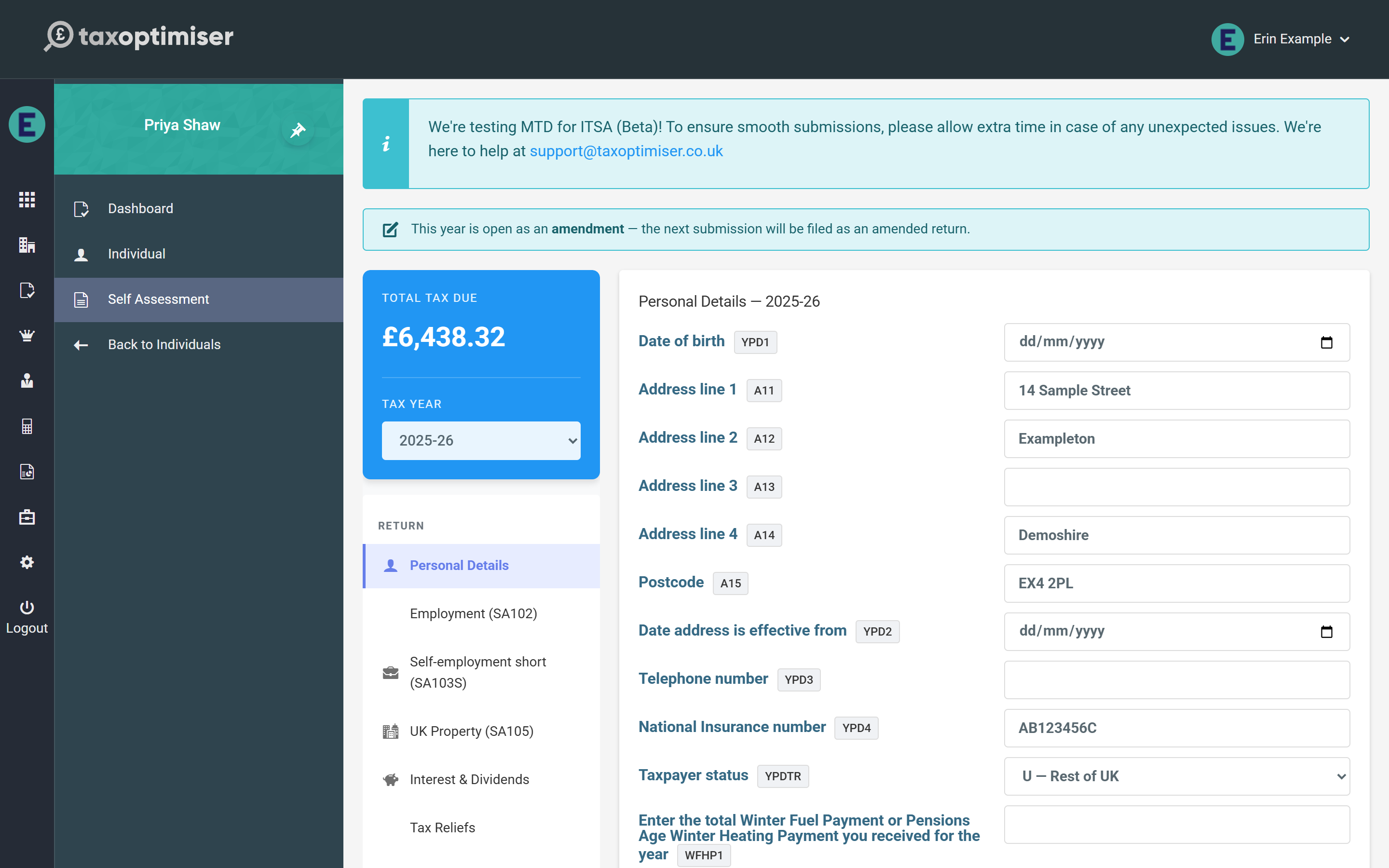
While HMRC is still processing
A return HMRC has received but not yet answered is locked too, with a different banner: waiting for HMRC’s response. It cannot be reopened until HMRC accepts or rejects it, because unlocking would let the figures change under a return HMRC might then accept. Its status is checked automatically every fifteen minutes, and Check status on the banner or the history row asks straight away.
Rejections and stuck submissions
A rejection never locks anything: HMRC’s errors are shown on the Submission screen, and the year returns to open the moment you edit a section — fix the issue and submit again. If a submission shows submitted without an outcome and HMRC has nothing in flight, the same Unlock action opens it (without the amendment flag, since nothing was accepted).
During the beta
While Self Assessment is in beta, the team at support@taxoptimiser.co.uk is the fastest route for anything unexpected around filing and amendments — include the submission’s correlation ID from the history and they can trace it end to end with HMRC.
