
Everything in this article lives in one place: Firm Settings → Firm, which opens the Accountant Firm Settings page. Two of its tabs carry your filing credentials — set them once and they are used for every client your firm manages.
The Companies House tab: your Presenter ID
A Presenter ID is your firm’s account for filing accounts by software — it is not the same thing as a WebFiling login, and each company’s authentication code is separate again (that one belongs to the client; see Creating client organisations).
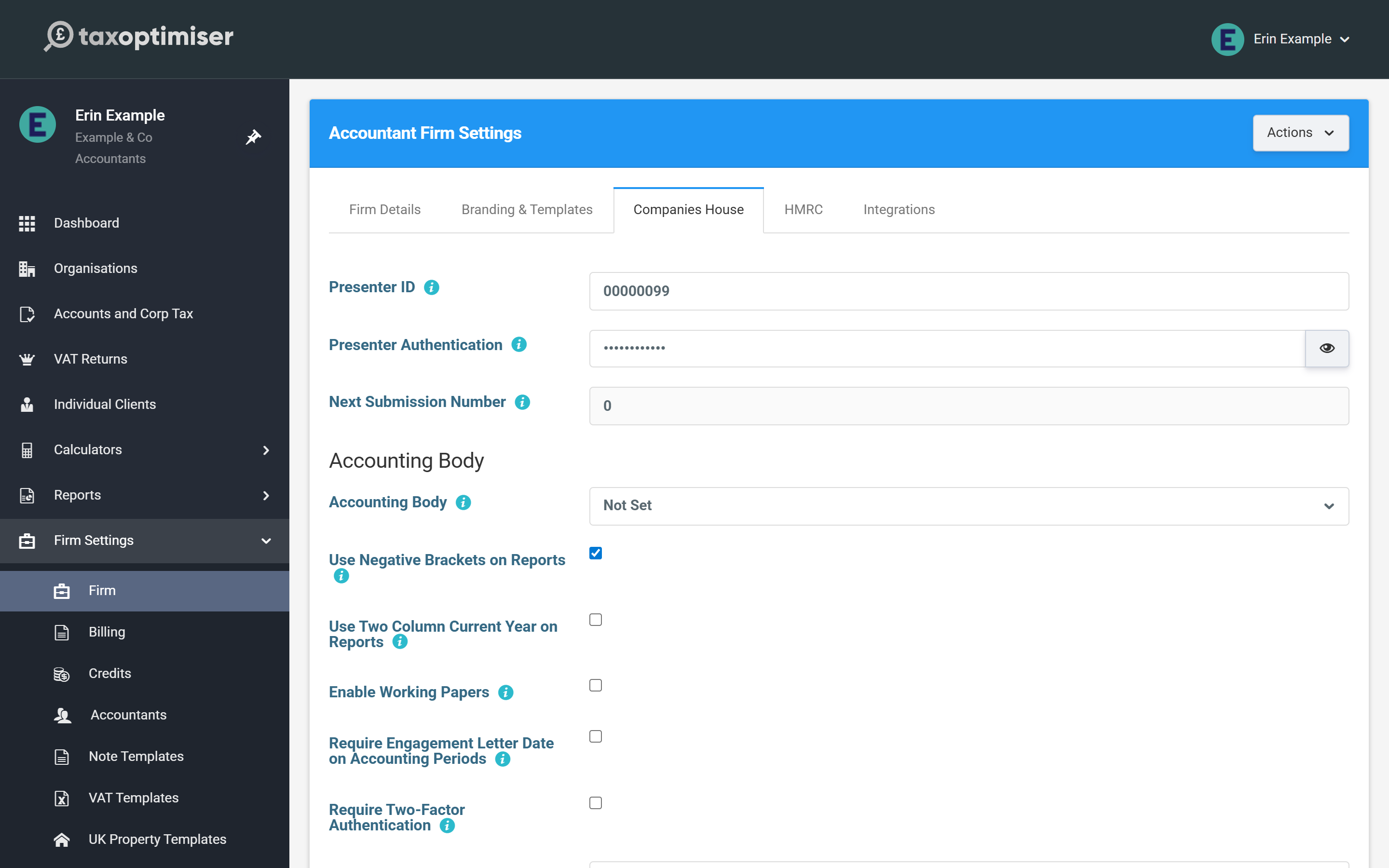
If your firm doesn’t have one yet, the application is a one-off form on gov.uk: apply to file with Companies House using software. Companies House issues the Presenter ID together with a presenter authentication value — that pair is exactly what the two fields on this tab want.
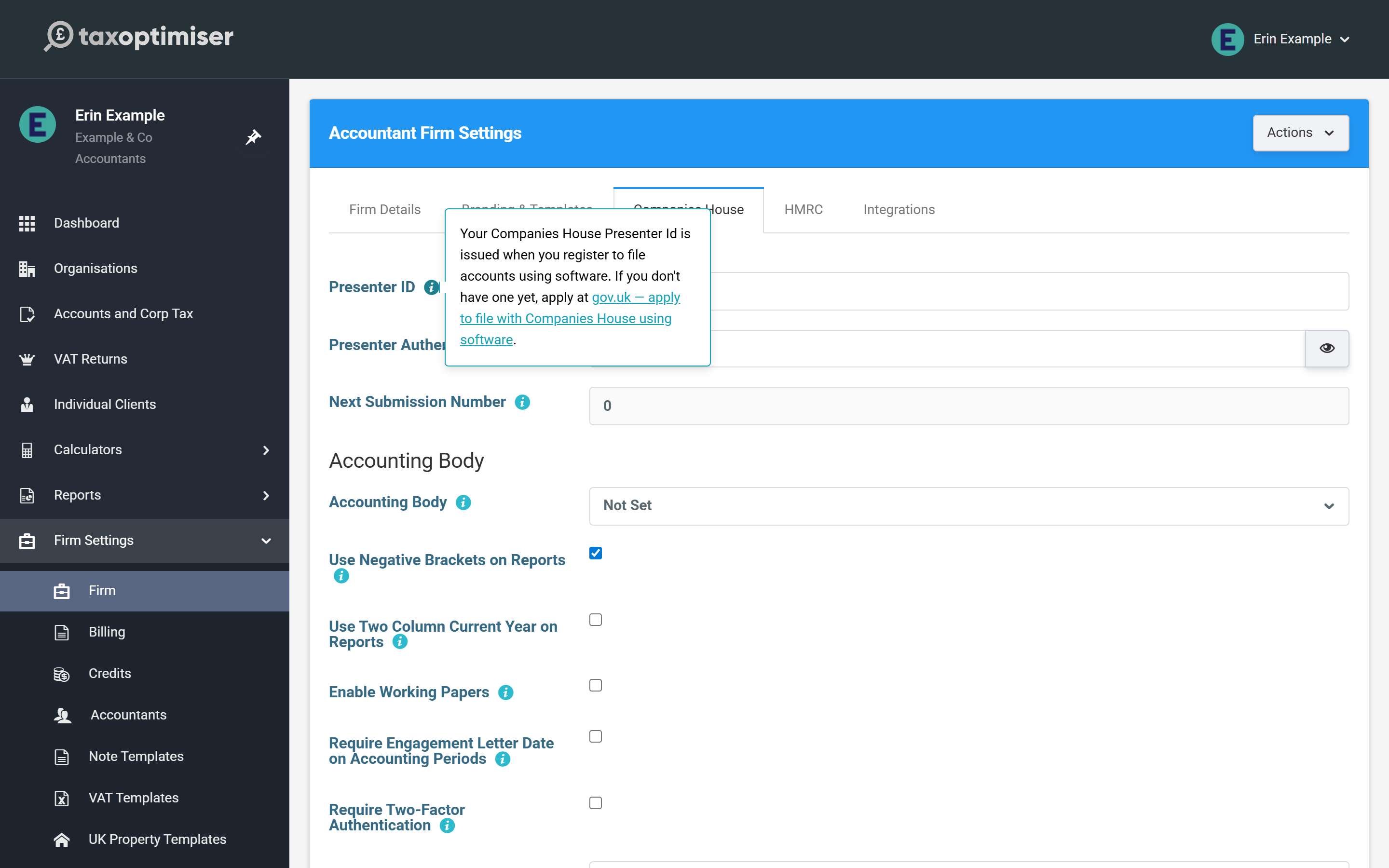
Next Submission Number is read-only housekeeping: every electronic filing your firm sends carries a sequence number, and Tax Optimiser increments it automatically. You’d only resync it (via the button at the foot of the tab) if filings had also been sent outside Tax Optimiser under the same Presenter ID.
The HMRC tab: your Government Gateway login
HMRC Sender Id is your firm’s Government Gateway user ID — the 12-character ID for the account your firm uses to file Corporation Tax — with its password alongside.
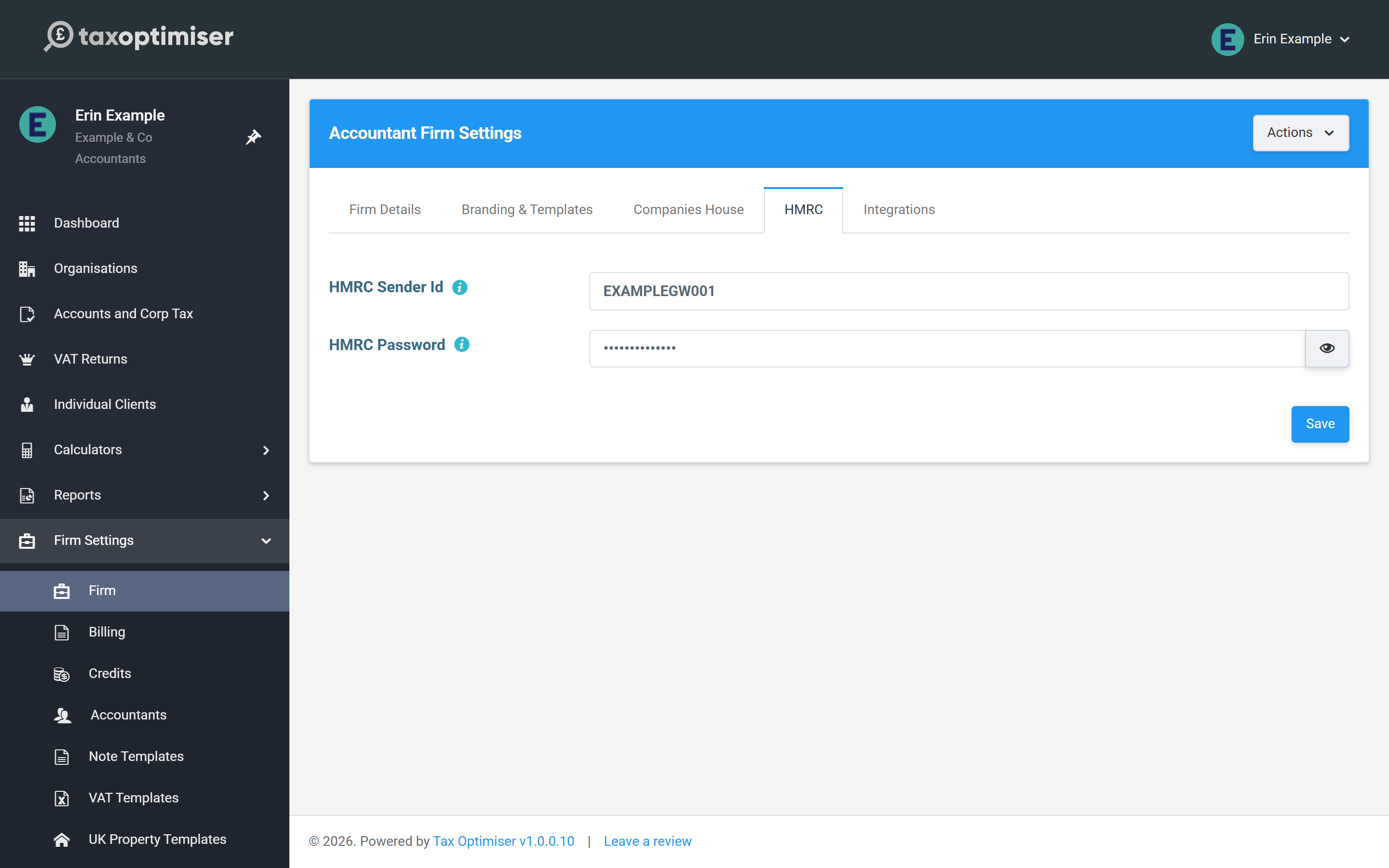
Entered here, it is used for every client’s CT600, and HMRC sees the return as filed by an agent. If one client needs to file under their own Government Gateway account instead, you can override it on that client’s record — the rules are in Whose credentials file what.
Worth doing while you’re here
The Firm Details tab (name, address, contact details) feeds the client portal and report headers, and the Branding & Templates tab dresses the generated accounts PDFs. Neither blocks filing, but both make the output look like yours.