
Tax Optimiser prepares and files your company's year-end package in one place: statutory accounts (FRS 105 or FRS 102 1A), the Corporation Tax computation, and the CT600 return — filed directly to HMRC and Companies House. This guide walks the whole journey; this first article gets your company set up and your first accounting period created.
Enable the Accounts & Corporation Tax service
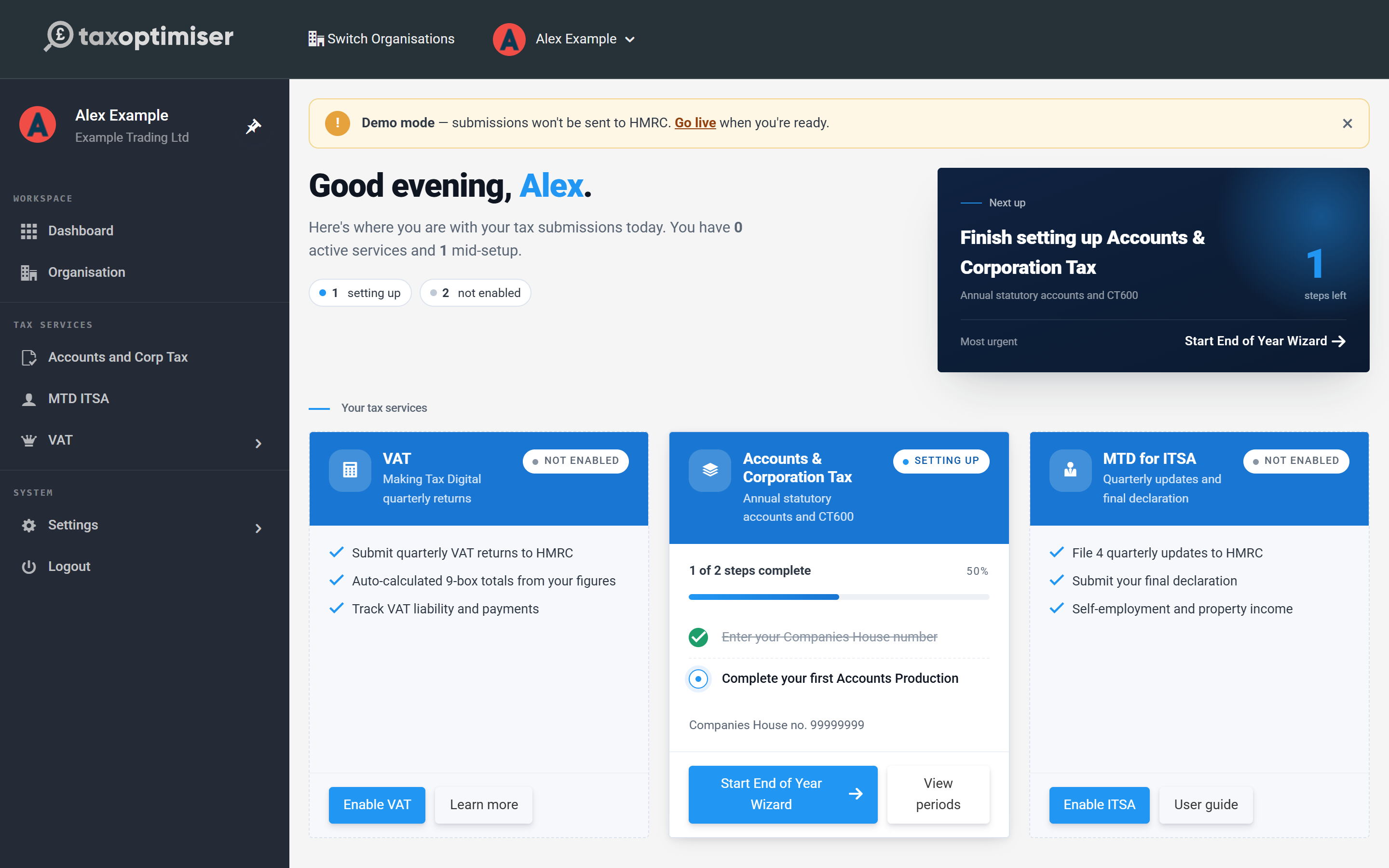
From your dashboard, find the Accounts & Corporation Tax card under Your tax services and click Enable Accounts. The card switches to Setting up and shows a short checklist — you can follow it from the dashboard, or use the End of Year Wizard which walks the same steps in a guided flow.
Link your company to Companies House
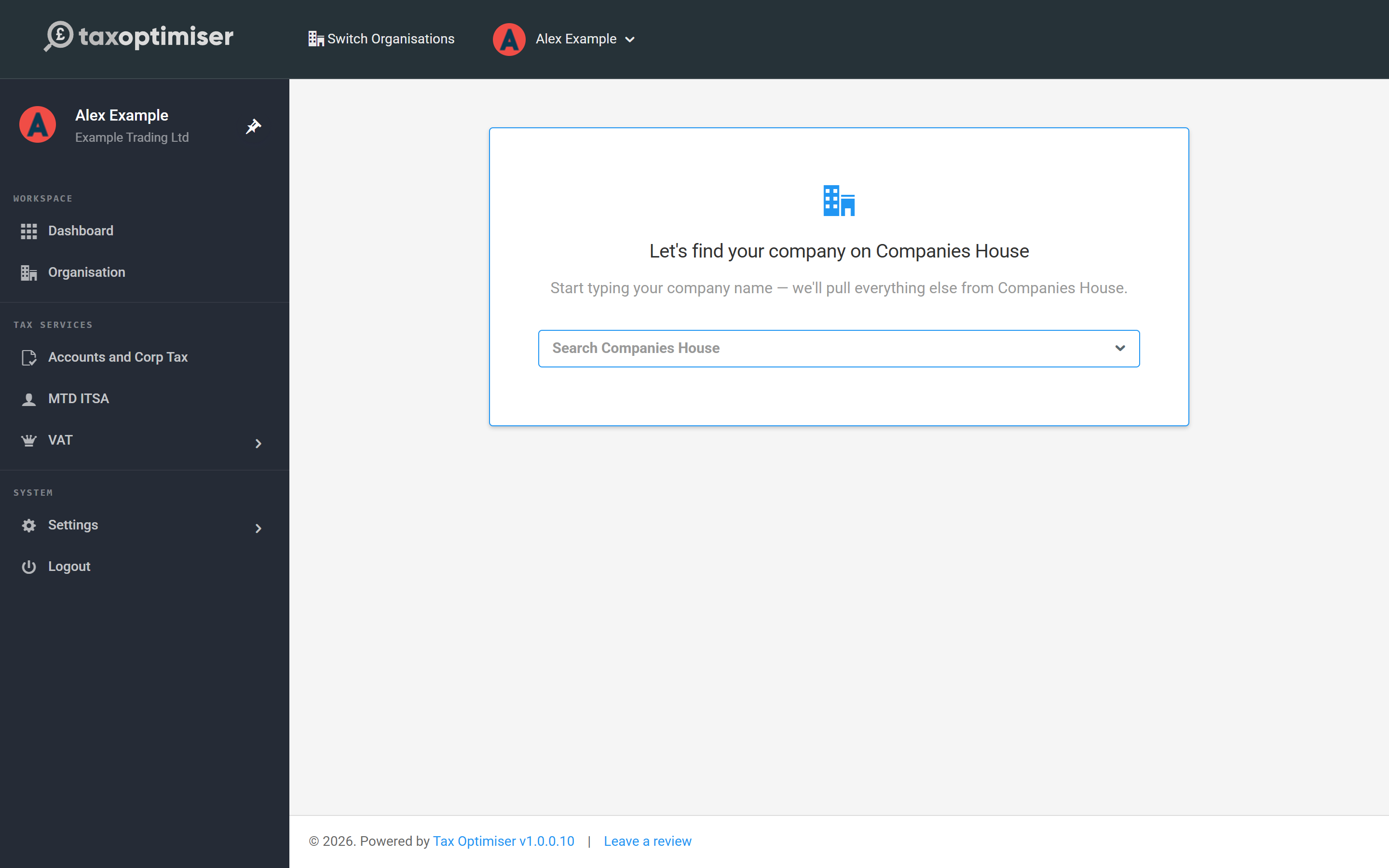
The wizard first asks for your company. Start typing the name and pick your company from the live Companies House search — the registered name, company number, registered office, incorporation date and filing deadlines are pulled in automatically, and your accounting period dates are suggested from your Companies House accounting reference date.
Add your Corporation Tax UTR
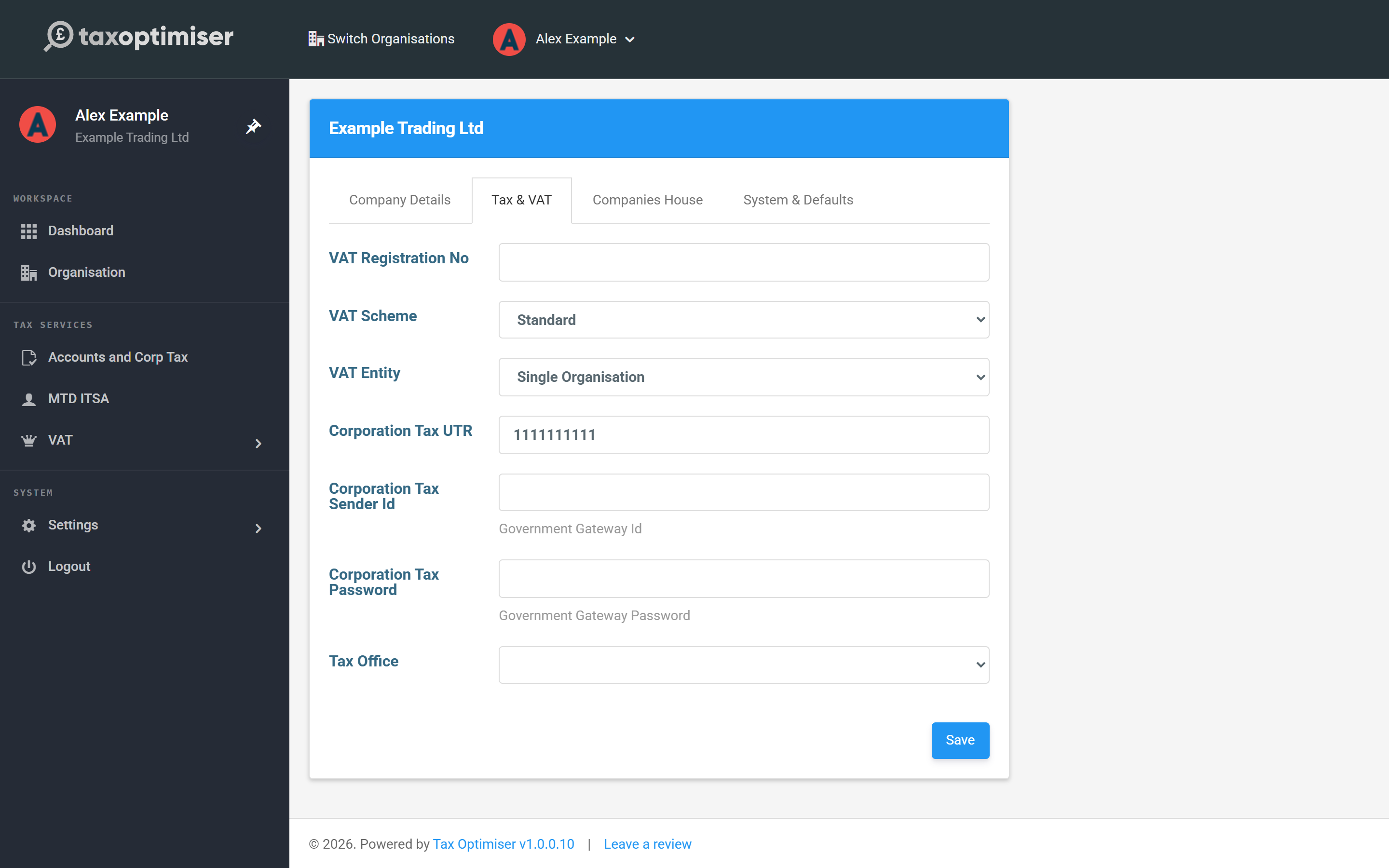
Go to Organisation → Tax & VAT and enter your 10-digit Corporation Tax UTR (the Unique Taxpayer Reference HMRC issued when the company was incorporated — it's on the CT603 notice and most HMRC letters). The UTR is validated against HMRC's check-digit rules as you save, so a typo is caught immediately rather than when you try to file. The Government Gateway credentials on the same tab are only needed when you come to submit.
Create the accounting period
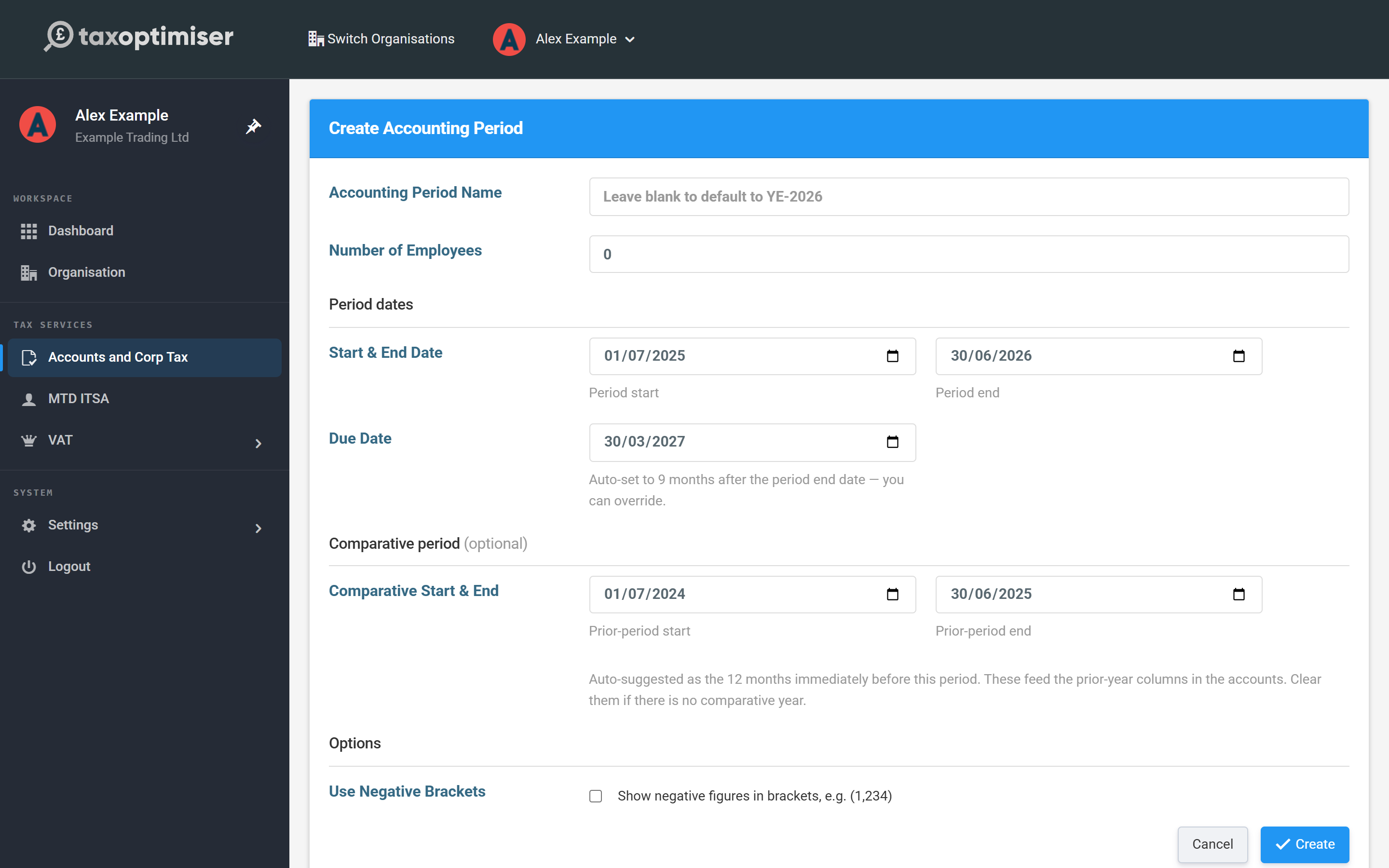
If you linked Companies House, your period is usually created for you. To create one manually, go to Accounts and Corp Tax and choose Create Accounting Period:
- Period dates — the start and end of your financial year. The filing due date is set automatically to nine months after the year end (you can override it).
- Comparative period — auto-suggested as the previous twelve months. These figures feed the prior-year columns in your accounts; clear them if this is your first year.
- Number of employees — required for the statutory accounts (an average for the year; 0 is allowed if correct).
Your period overview
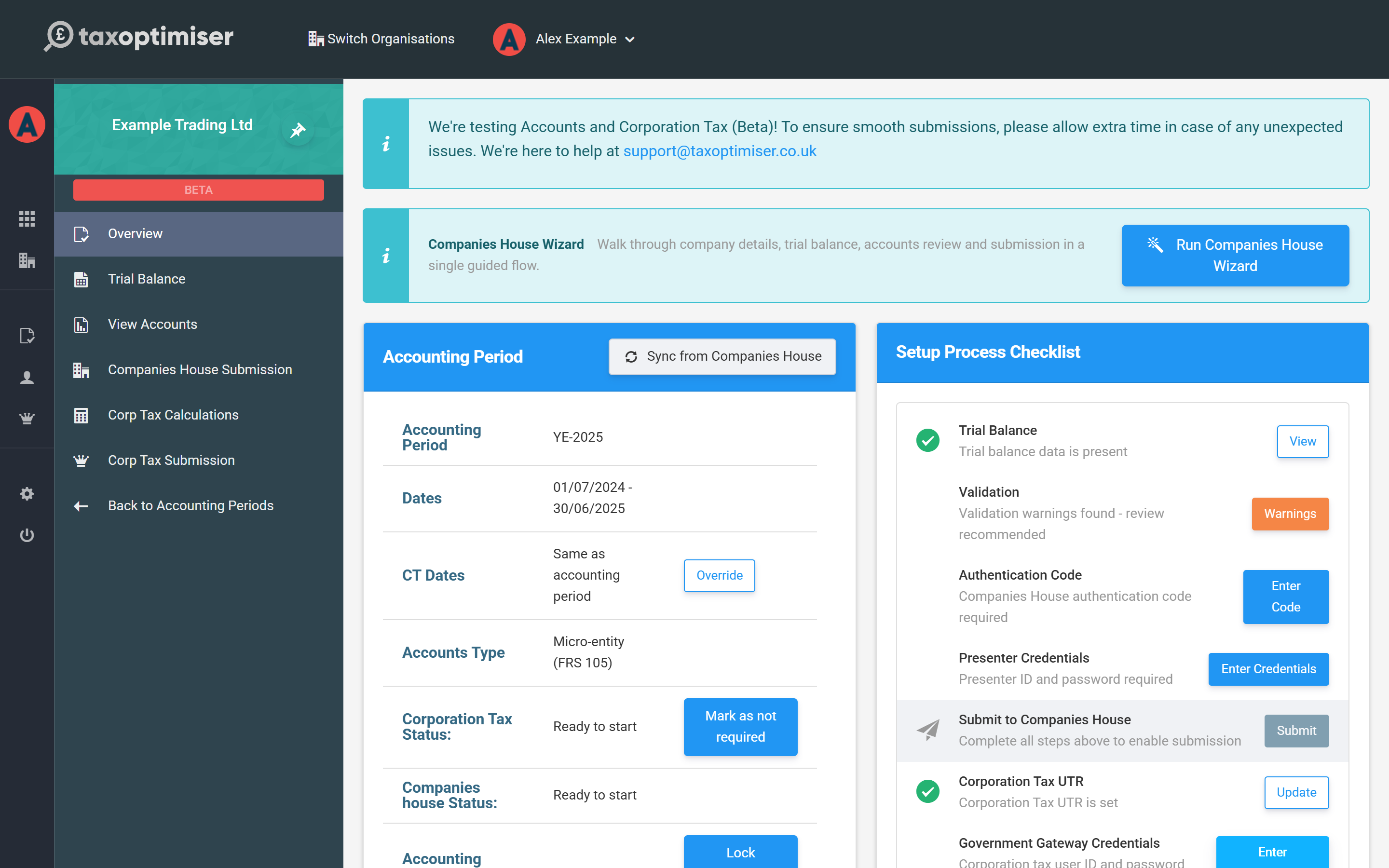
Each accounting period has its own workspace with a menu down the left: Overview, Trial Balance, View Accounts, Companies House Submission, Corp Tax Calculations and Corp Tax Submission — that order is the journey this guide follows. The Setup Process Checklist on the right of the Overview tracks what's done and what's still needed, and each item links straight to the screen that completes it.
Next: get your numbers in — see Getting your numbers in: the trial balance.