
Quarterly updates capture the everyday income and expenses of each business. But a tax year has more to it — reliefs, allowances and other kinds of income that only make sense once a year. That is what Annual Adjustments is for: the end-of-year additions that complete the picture before your tax is calculated.
How it works
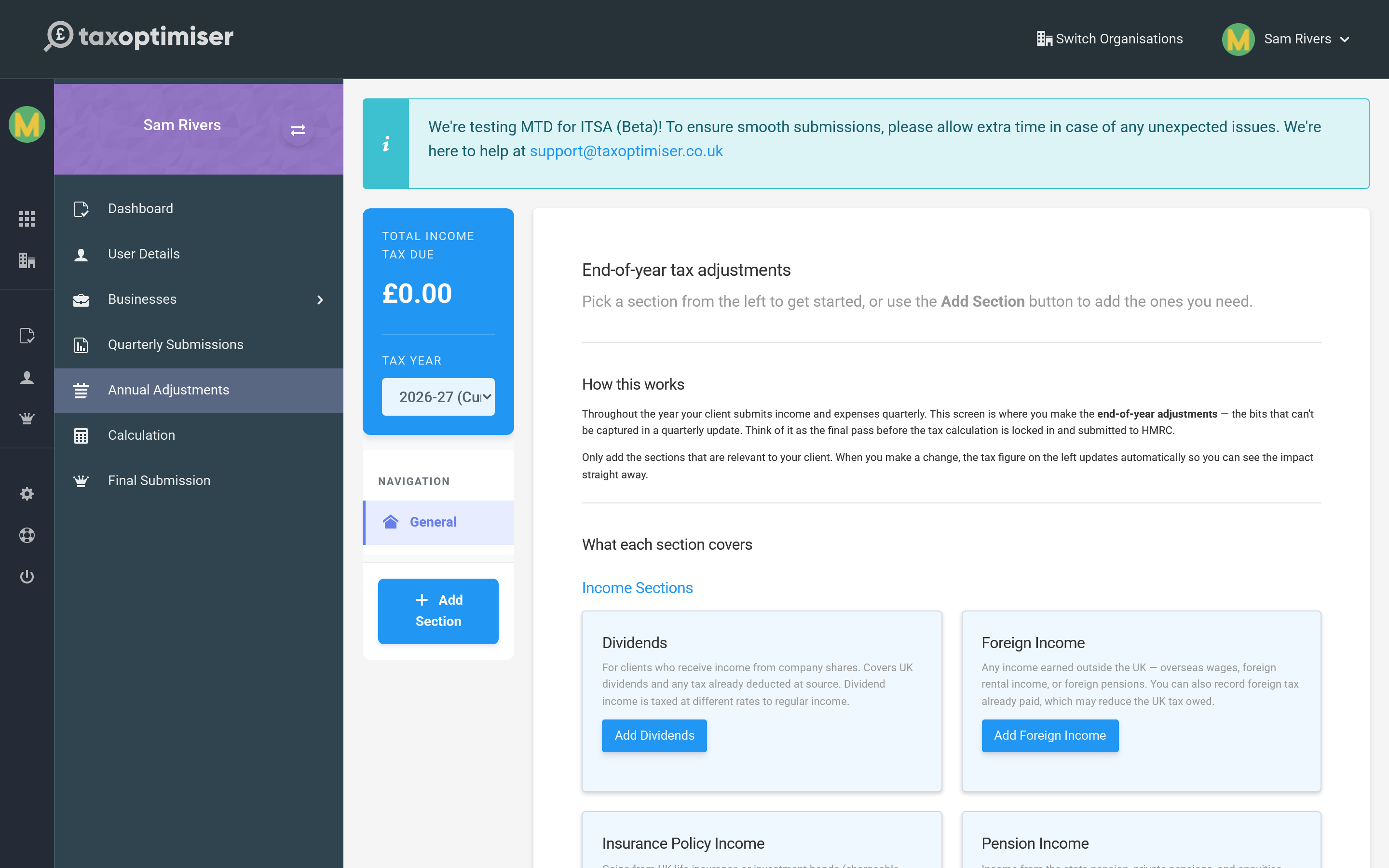
Pick a section from the left, or use Add Section to add the ones relevant to you. You only complete the sections that apply — and as you do, the income tax due figure on the left updates so you can see the effect of each change straight away.
What you can add here
The sections cover the income and reliefs that sit outside your quarterly business updates, for example:
- Dividends from company shares, taxed at their own rates.
- Foreign income — overseas wages, pensions or rental income.
- Pension income and contributions, and Gift Aid donations.
- Other taxable income, savings and investment income, and any reliefs or losses to claim.
Think of this screen as the final tidy-up: everything that is true for the whole year rather than a single quarter goes here, ready to feed into the calculation.
Next: Your tax calculation.