
At any point in the year you can ask HMRC to add up everything you have reported so far — quarterly updates and annual adjustments — and tell you the tax it implies. Open Calculation.
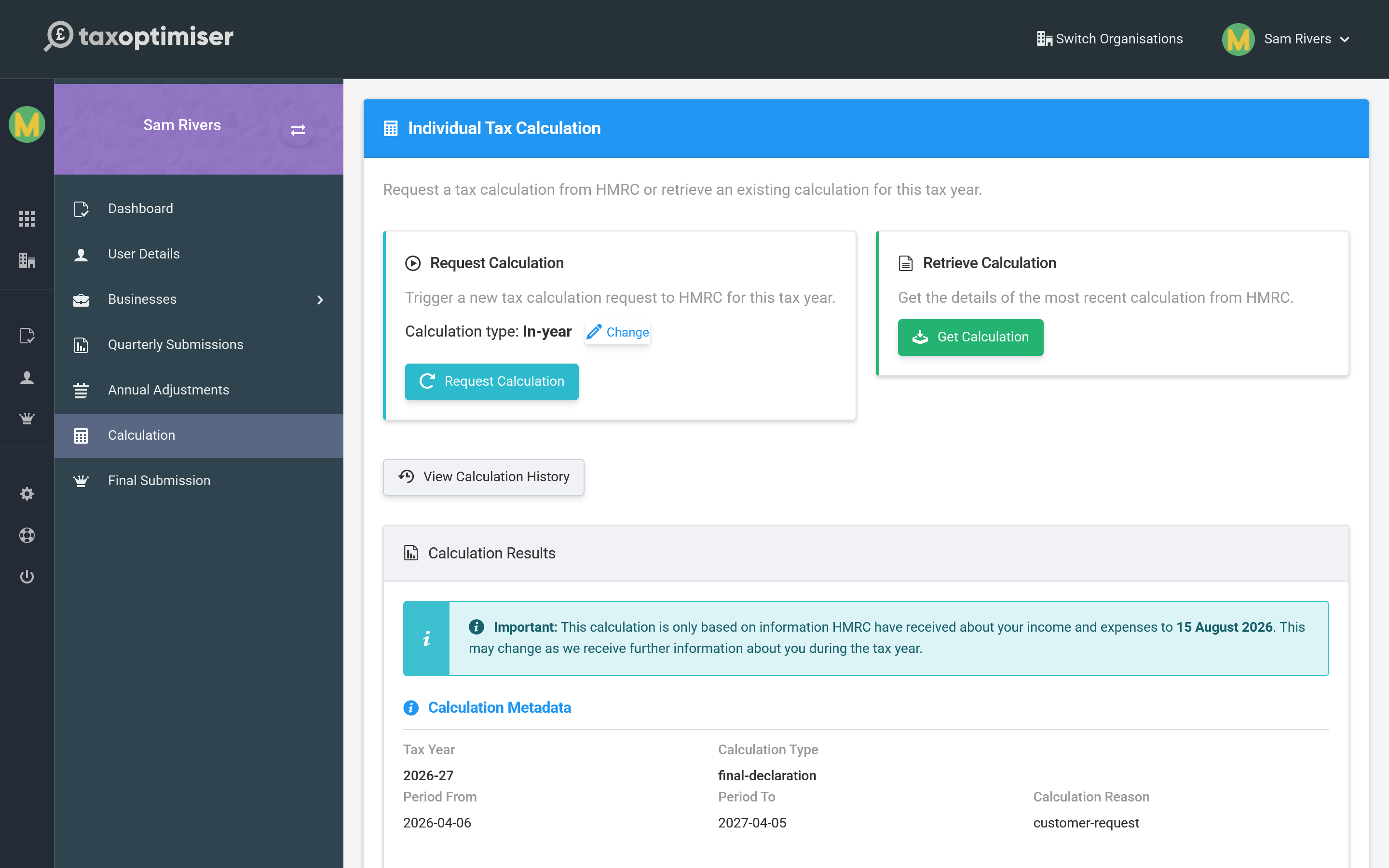
Requesting a calculation
Request Calculation asks HMRC for a fresh figure; Retrieve Calculation fetches the most recent one HMRC already holds. There are three kinds of request:
- In-year — a running estimate part-way through the year, based on what you have sent so far.
- Intent to finalise — the calculation you review just before submitting your final declaration.
- Intent to amend — a recalculation when you need to change a year you have already finalised.
Reading the result
The Calculation Results show your income tax liability along with the calculation’s details — the tax year it covers, its type and the date it was produced. Remember an in-year figure is only an estimate: HMRC notes it is based on the information received so far, and it will move as you report more.
You can also open View Calculation History to compare earlier calculations against the latest.
Next: The final declaration.