
MTD ITSA reports each source of income separately, and HMRC already knows which ones you have. Once connected, Tax Optimiser pulls them in for you with Retrieve businesses from HMRC — no typing required. They then appear on your dashboard.

The three types of business
- Self-employment — a sole trade, such as a plumber or a consultant. Each separate trade is its own business.
- UK property — income from letting property in the UK. All your UK rentals are reported together as one property business.
- Foreign property — income from letting property overseas.
Opening a business
Select a business to see its details — its type, accounting basis, address and quarterly obligations.
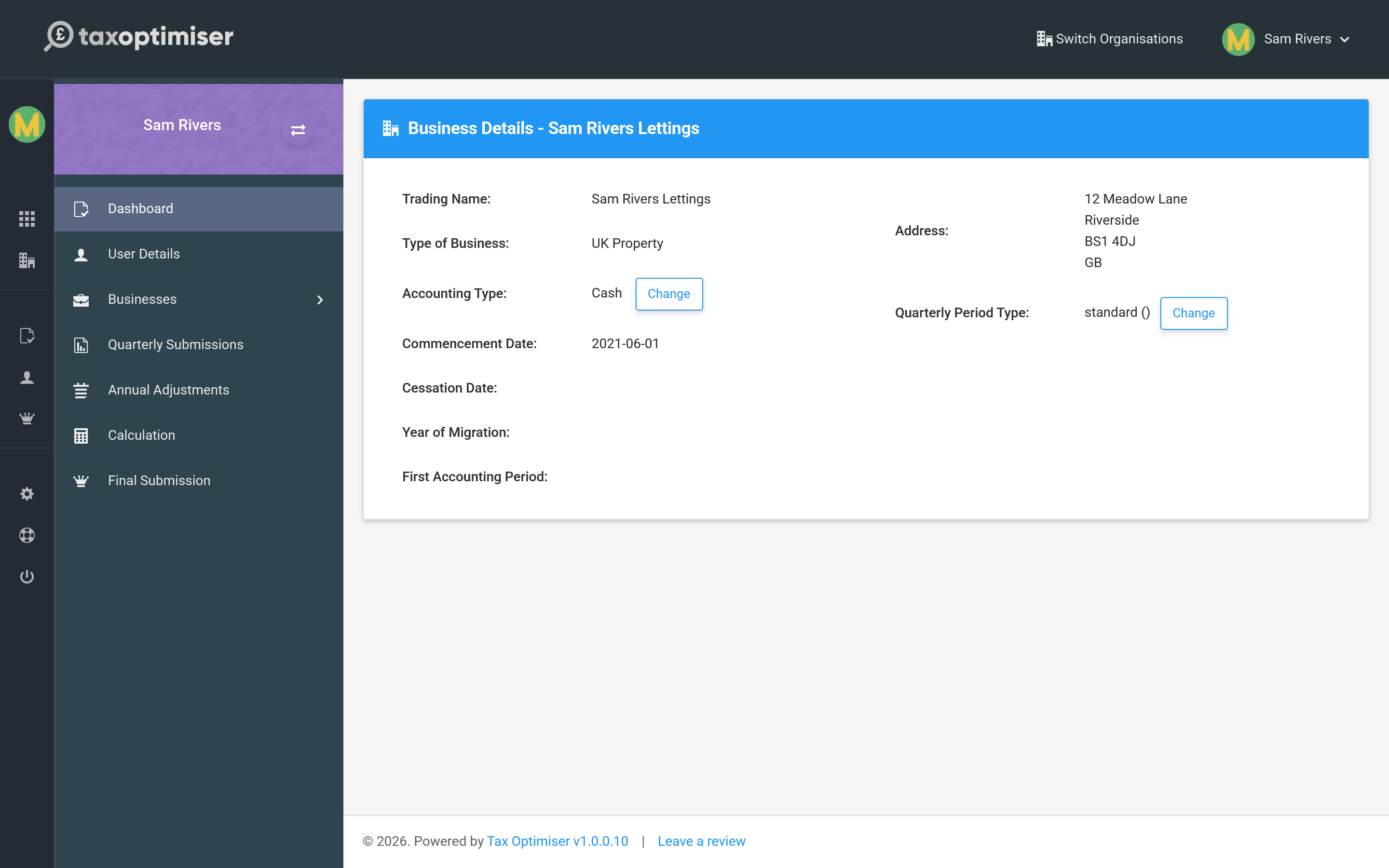
Each business carries its own set of quarterly obligations — the four updates a year you owe HMRC for that source — and you report each one independently.
Keeping it up to date
If you start a new trade or buy a rental, tell HMRC and then use Refresh from HMRC to bring the change into Tax Optimiser. The businesses you see here always mirror what HMRC holds.
Next: Business settings.