
To send updates — or even to pull your businesses back from HMRC — Tax Optimiser needs your permission to talk to HMRC on your behalf. That permission is granted once, through HMRC’s own sign-in, and lasts 18 months before it needs renewing.
Connecting from the dashboard
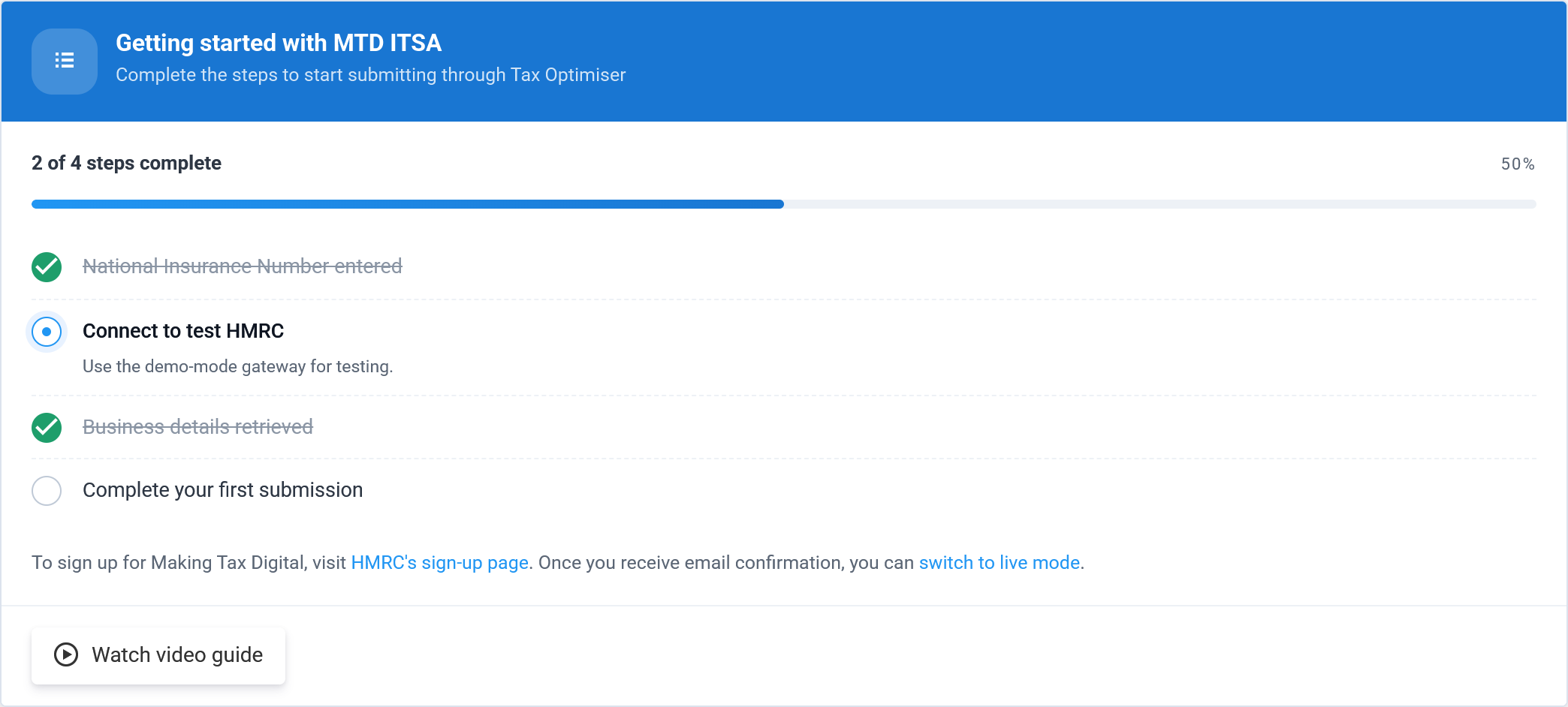
On the setup checklist, step two is the connection. In demo mode it reads Connect to test HMRC — the safe sandbox gateway.
Selecting it opens HMRC’s authorisation screen. In demo mode this is the clearly-labelled dummy gateway, which behaves exactly like the real thing but sends nothing:
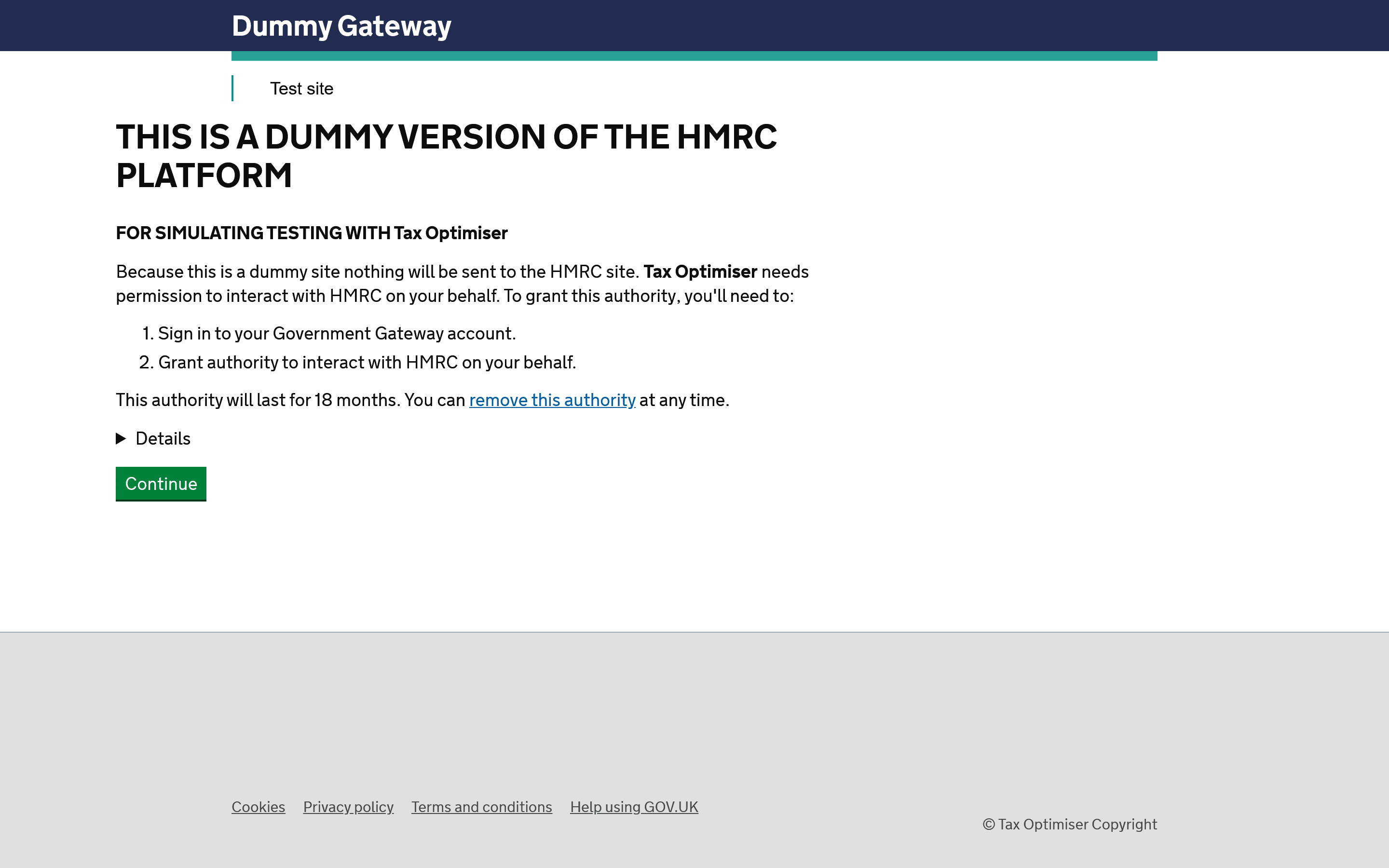
You sign in to your Government Gateway account and grant authority. Once you do, you are returned to Tax Optimiser, now connected.
Individual or agent
There are two ways the connection can be made:
Individual account — you authorise Tax Optimiser using your own Government Gateway, and updates are filed in your name. Agent account — your accountant connects on your behalf using their agent services account, and files for you. You only need one of the two.
Reconnecting
Because the authority expires after 18 months — and because you switch gateways when you move from demo to live — you may need to reconnect from time to time. If a submission ever reports that you are no longer connected, simply run the connection step again.
Next: Your businesses.