
Before you can send anything to HMRC, your own details need to be on record. Open User Details from the menu.
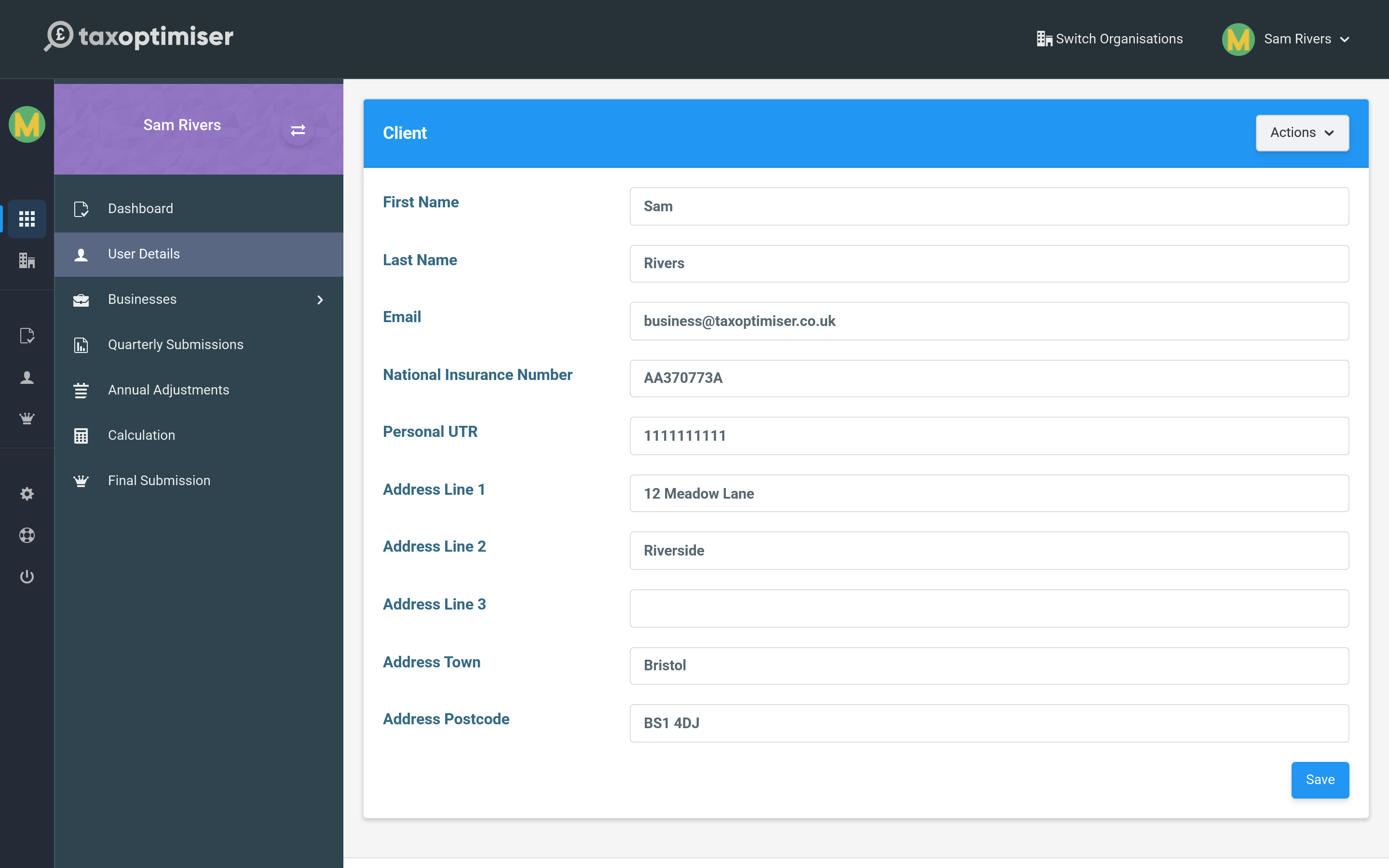
National Insurance Number
Your National Insurance Number is how HMRC ties your quarterly updates and final declaration to you. It is required — the setup checklist will not show as complete, and submissions will not go through, until it is entered. It looks like two letters, six digits and a final letter (for example AB 12 34 56 C).
The rest of the record
- Personal UTR — your 10-digit Unique Taxpayer Reference for Self Assessment. Useful to hold here for reference.
- Name and address — your personal details, kept separate from any individual business’s trading address.
- Tax code — used when estimating the tax due on your income.
Enter your details and press Save. You only need to do this once; you can come back and update it any time.
Next: Connecting to HMRC.