
Making Tax Digital for Income Tax Self Assessment (MTD ITSA) is HMRC’s new way of reporting self-employment and property income: you keep digital records and send HMRC a short update every quarter, then finalise the year with a single declaration instead of one big annual tax return. Tax Optimiser handles all of it.
The four steps to get set up
Your MTD ITSA Dashboard walks you through setup as a checklist — each step links to the screen that completes it, and the bar fills in as you go.
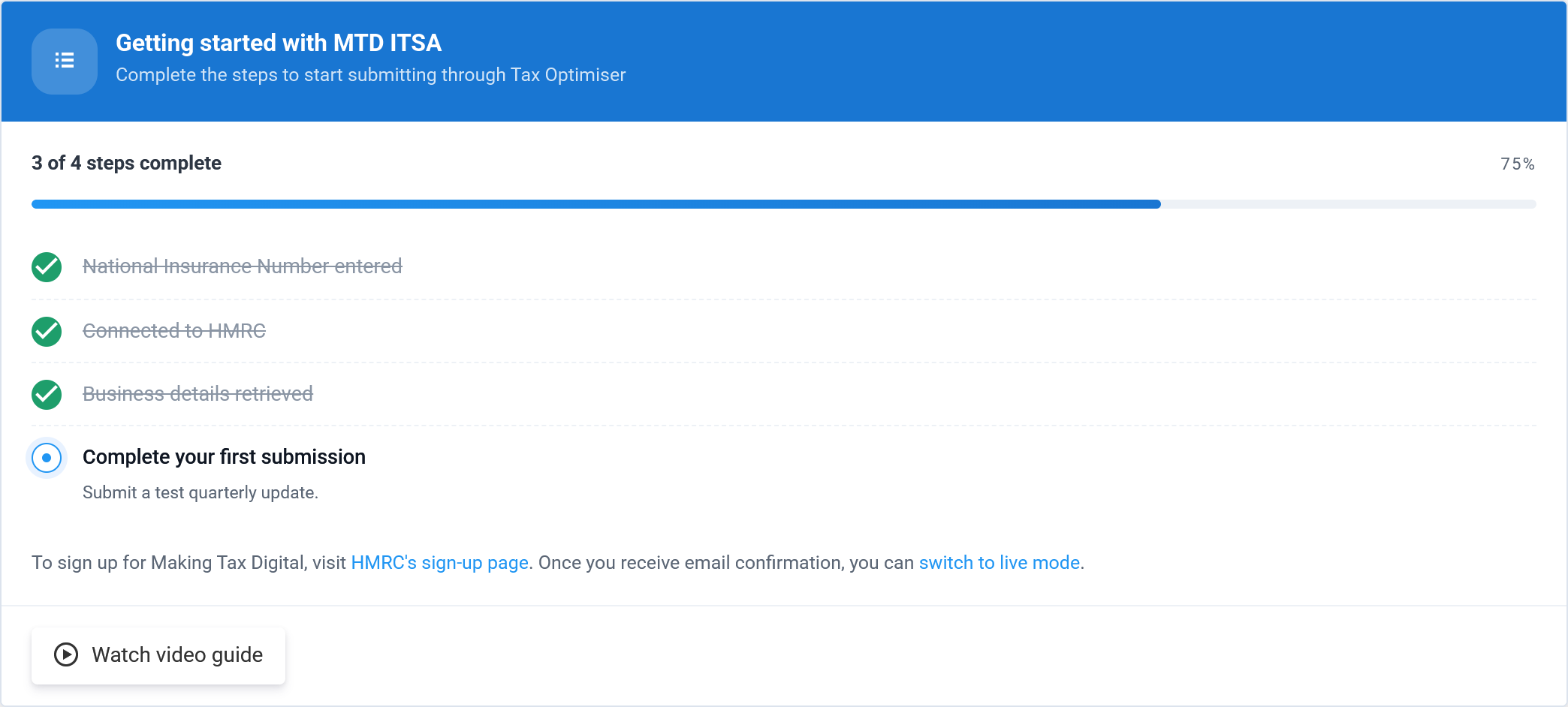
- Enter your National Insurance Number — HMRC needs it to identify you on every submission. See Your details.
- Connect to HMRC — authorise Tax Optimiser to send updates on your behalf. See Connecting to HMRC.
- Retrieve your businesses — pull your self-employment and property businesses from HMRC. See Your businesses.
- Make your first submission — send a quarterly update. See Quarterly updates.
Demo mode and live mode
Tax Optimiser starts you in demo mode, shown by the amber banner across the top. In demo mode nothing is sent to HMRC — it is a safe sandbox to practise the whole journey, from connecting through to a final declaration, without affecting your real tax account.
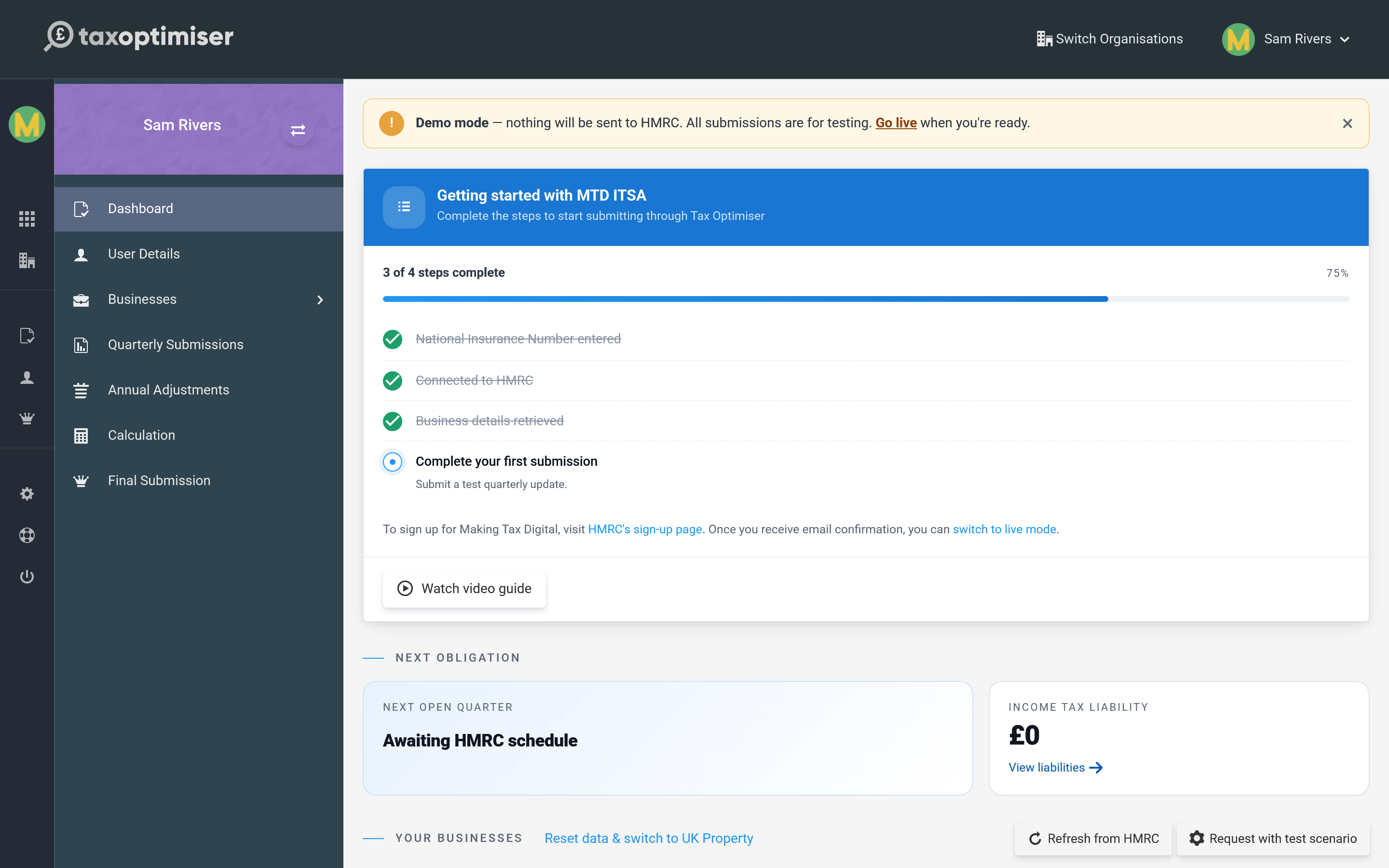
When you have signed up for MTD with HMRC and received their confirmation, you switch to live mode so your updates count for real. This is currently a supported beta — use the Go live link on the banner and the team will help you switch over.
The rest of the journey
Once set up, the left-hand menu follows the year end to end: Your businesses and their settings, keeping digital records, sending quarterly updates, making any annual adjustments, viewing your tax calculation, and submitting the final declaration.