
Once HMRC accepts a return, the year locks: every section shows read-only so the filed position cannot drift by accident. The banner across the top shows the amendment deadline — Self Assessment returns can be amended up to 12 months after the 31 January filing deadline (for 2025-26, until 31 January 2028).
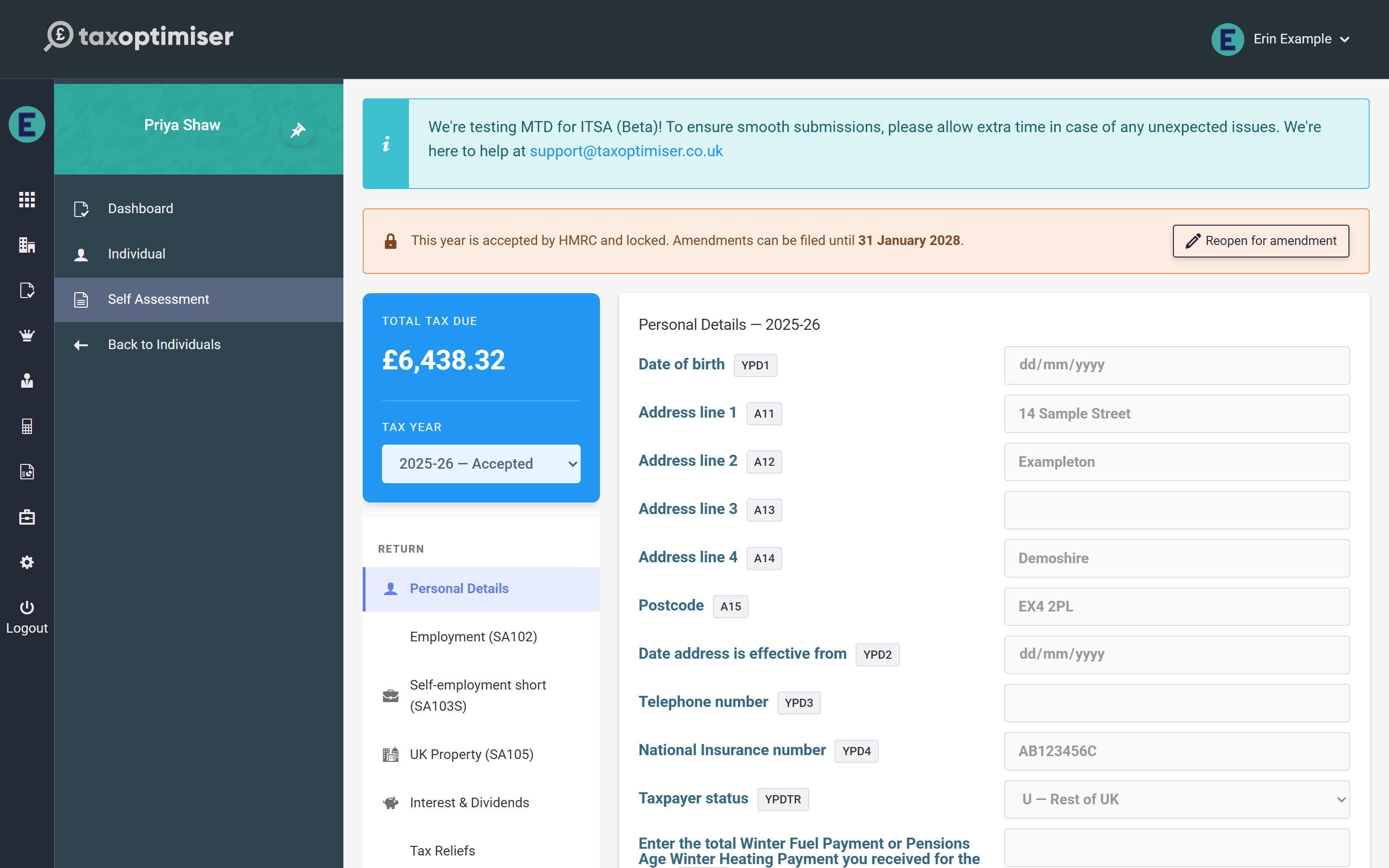
Reopening for amendment
Press Reopen for amendment and the year unlocks with an amendment banner: from this point the next submission is filed as an amended return, which HMRC treats as replacing the original. Edit whatever needs correcting — the calculation re-runs as usual — then submit again from the Submission section exactly as before. The declaration step makes clear an amended return is being filed.
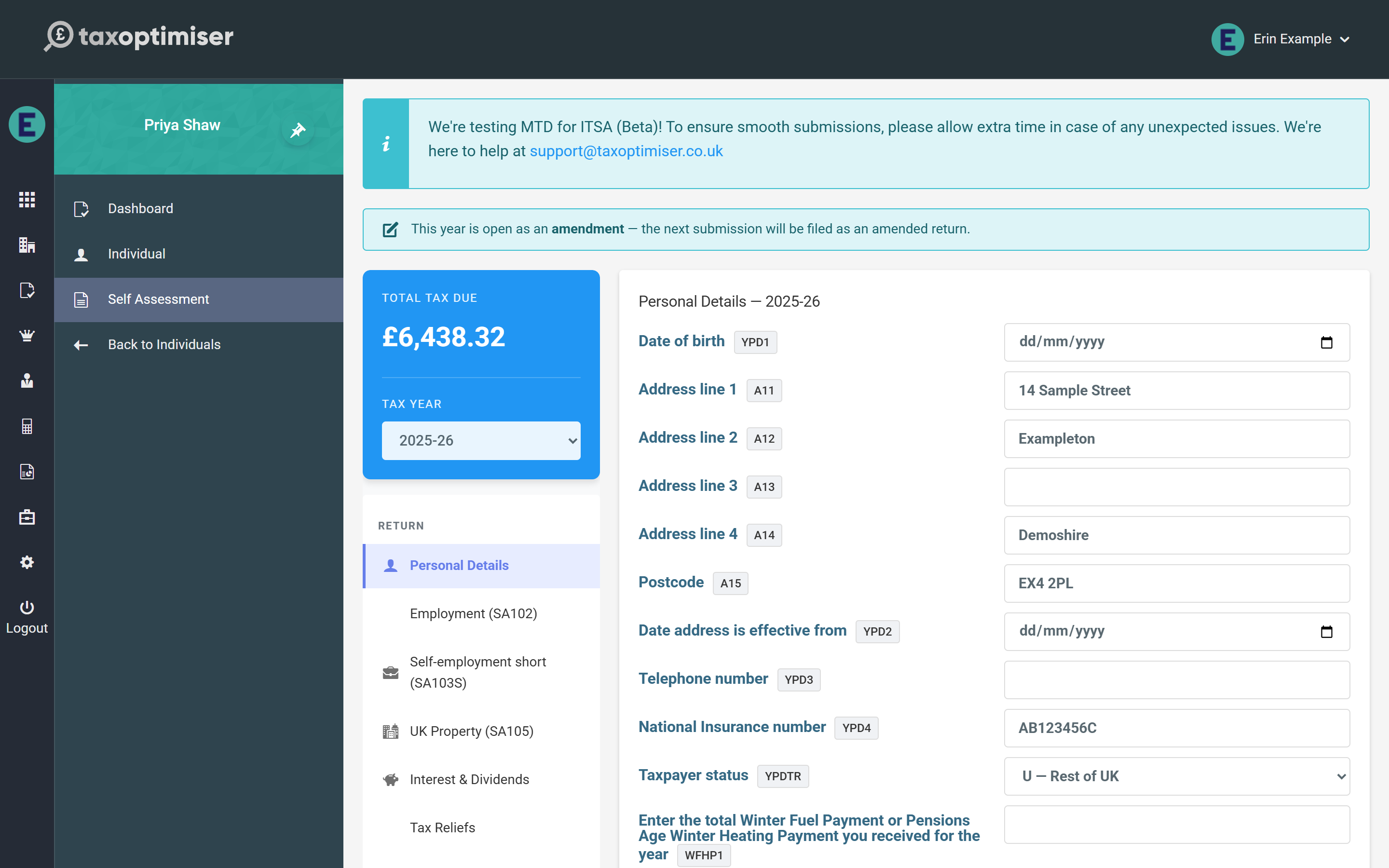
Rejections and stuck submissions
A rejection never locks anything: HMRC’s errors are shown on the Submission screen, and the year returns to open the moment you edit a section — fix the issue and submit again. If a submission was interrupted mid-flight and the year shows submitted without an outcome, the same Reopen action unlocks it (without the amendment flag, since nothing was accepted), and Re-poll on the Submission screen can chase HMRC for the original outcome first.
During the beta
While Self Assessment is in beta, the team at support@taxoptimiser.co.uk is the fastest route for anything unexpected around filing and amendments — include the submission’s correlation ID from the history and they can trace it end to end with HMRC.
Back to the start: Self Assessment in Tax Optimiser (beta).