
You can give a client a login to their own organisation — handy when they upload their own VAT spreadsheet or just want to see their returns. They’ll only ever see the organisations they belong to, never your other clients.
Add an individual
Inside the client organisation, click Individuals, then Add New. You only have to enter the first name, last name and email address, and choose Send Credentials. The person then receives an email with a link to set their own password.
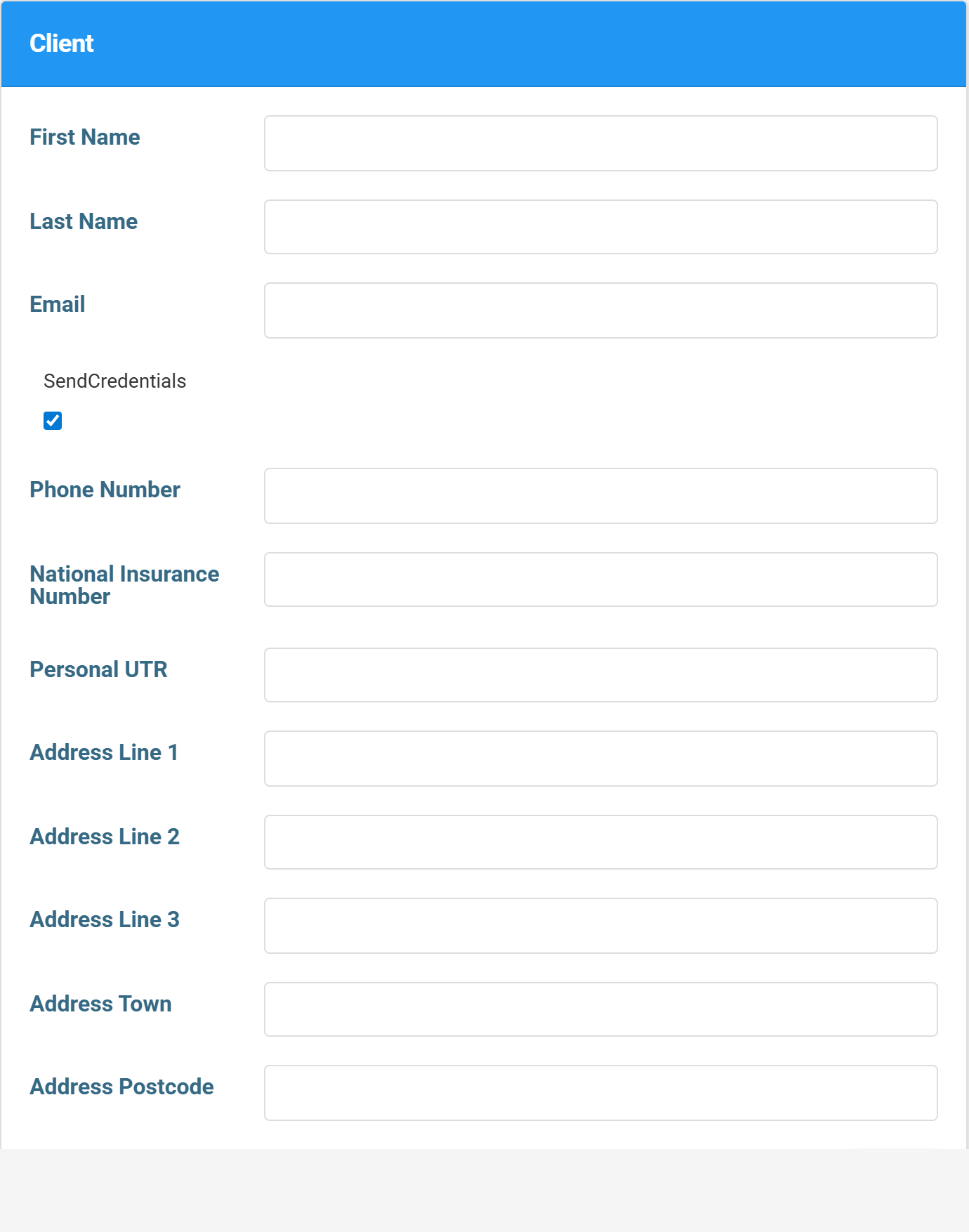
The rest can wait
The other details on the individual’s record are used later for things like Self Assessment — you don’t need them just to give VAT access, so leave them for now and come back when needed.