
If colleagues work on VAT alongside you, add them to the firm so they can act for your clients with their own login.
Add a firm user
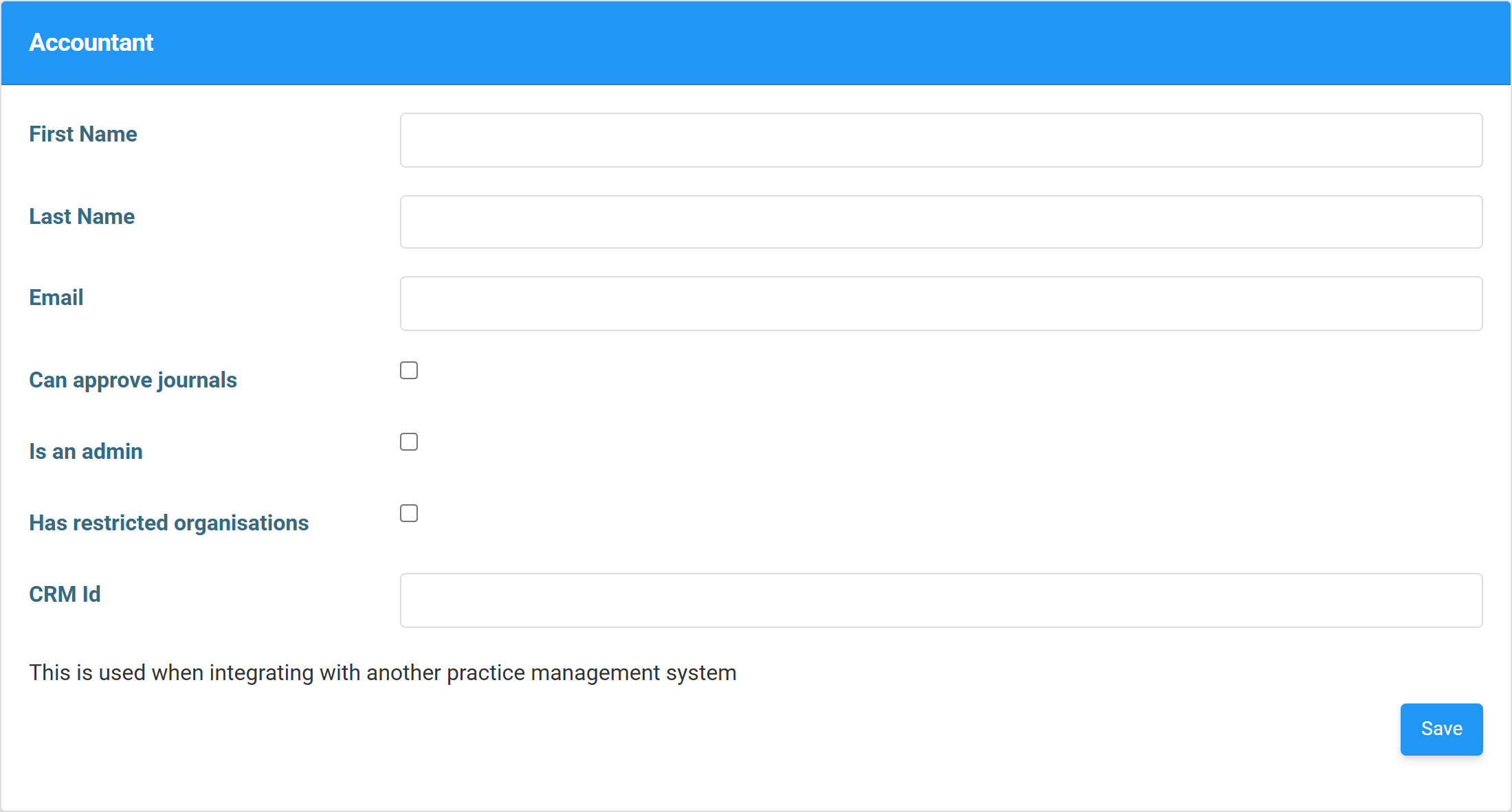
Go to Firm Settings → Accountants, then Add New. You only need the first name, last name and email address; you can optionally tick Is an admin or Can approve journals to set their permissions. Press Save and they’ll receive an email with a link to create a password, after which they can sign in and work across your firm’s clients.
Set their permissions
A few optional tick-boxes control what a new colleague can do: Is an admin gives them full access to firm settings, including adding further users; Can approve journals lets them sign off journals where your firm uses approvals; and Has restricted organisations limits them to specific clients rather than the whole firm. Leave them all unticked for a standard user who simply files for clients.
That’s the full VAT journey for accountants. Start again from the accountant workflow overview, or browse the rest of the Help Centre.