
Submitting is half the story — HMRC also reports back what each return means in money: the charges it raised and the payments it has received. The Liabilities and Payments tabs on the VAT Returns screen keep that picture next to your returns, and the dashboard keeps the next deadline in front of you.
Liabilities: what HMRC says you owe
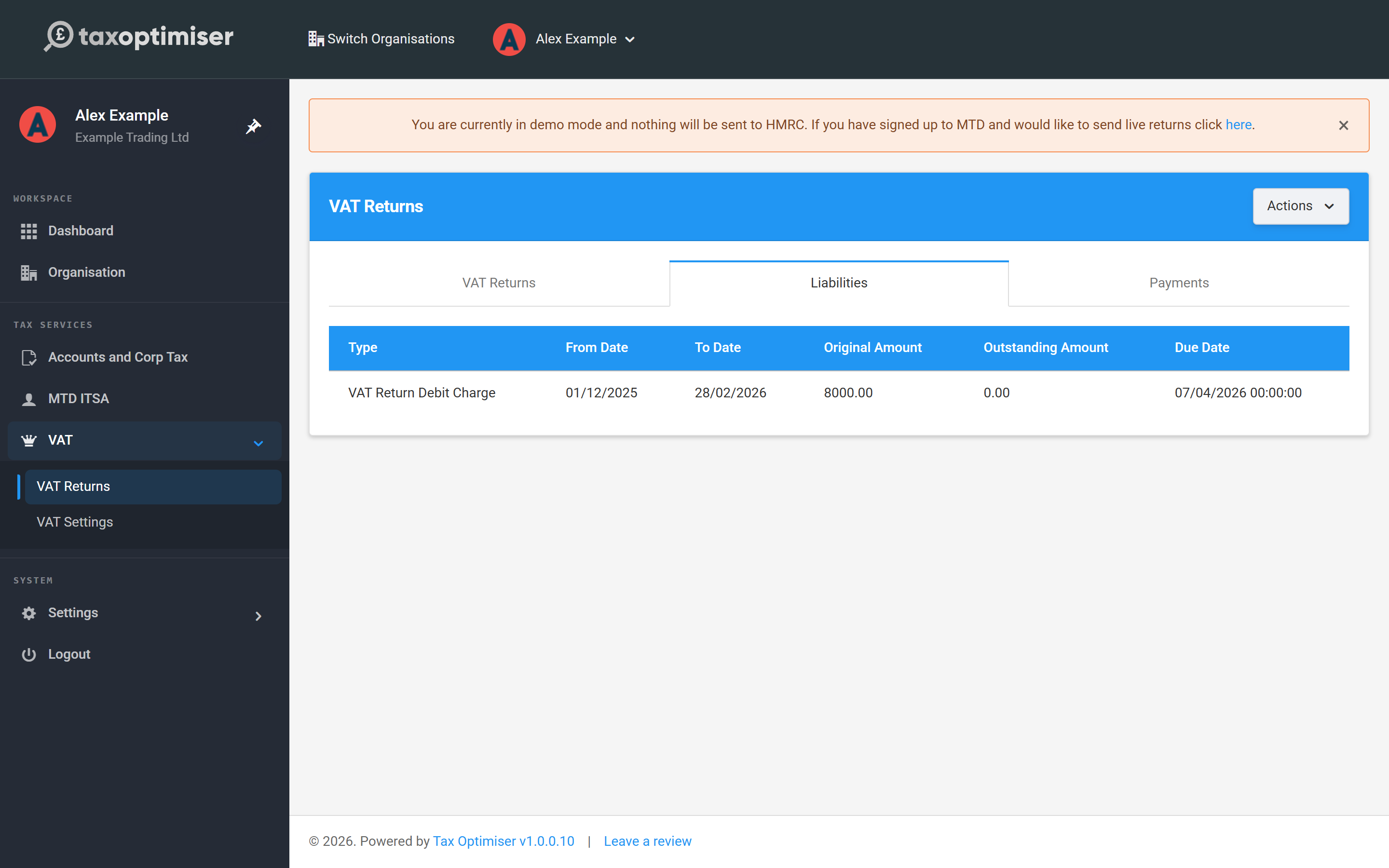
The Liabilities tab lists each charge HMRC has raised — typically a VAT Return Debit Charge per submitted quarter — with its period, due date, the Original Amount and the Outstanding Amount still unpaid. When the outstanding amount reaches zero, that quarter is settled; anything outstanding also surfaces on your dashboard card as an amount due to HMRC.
Payments: what HMRC has received
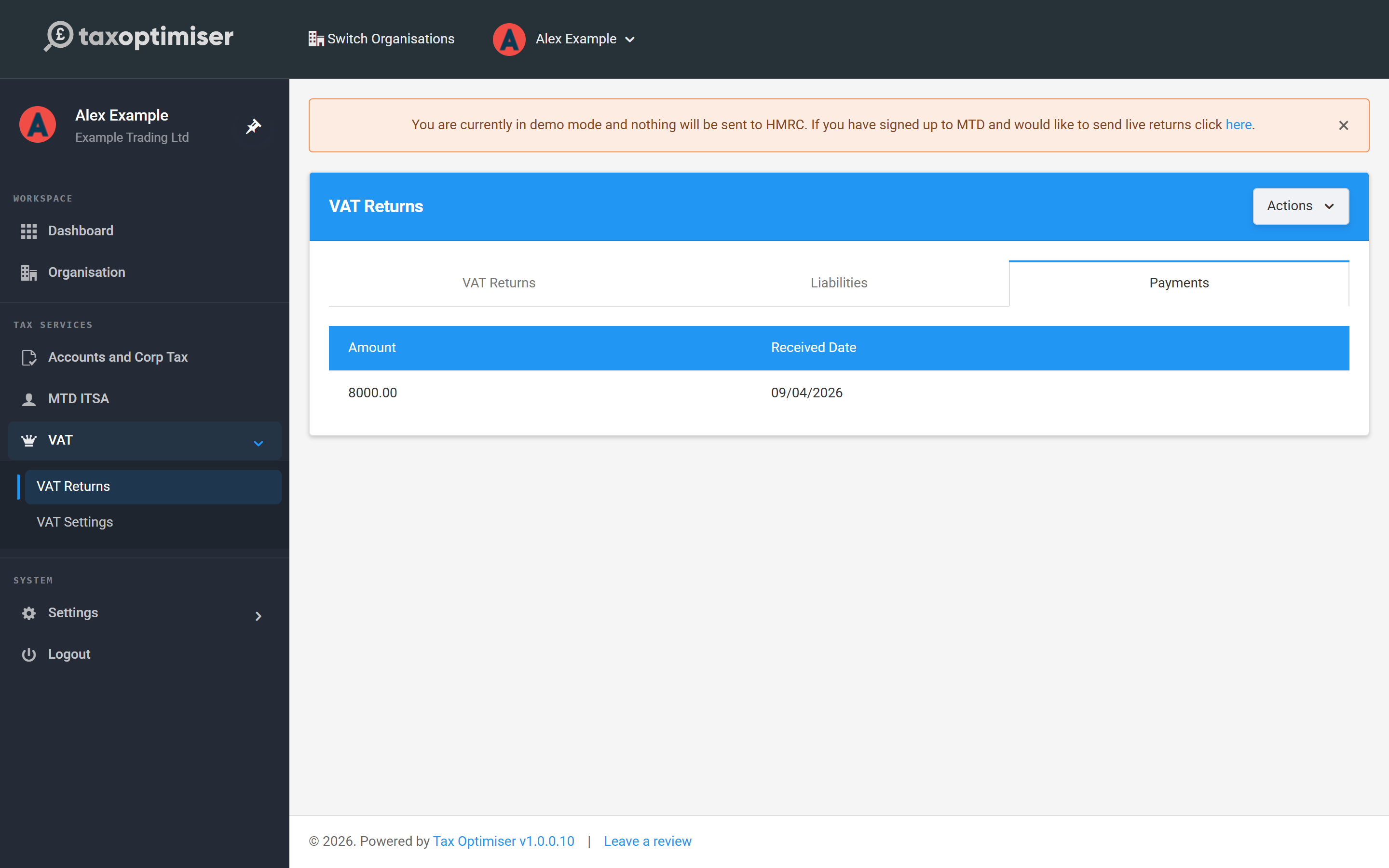
The Payments tab mirrors it from the other side — the payments HMRC has matched to your VAT account and the date each was received. Liabilities and payments refresh from HMRC alongside your periods, so allow a little time after paying before expecting it to appear.
The quarterly rhythm
After your first cycle the routine is pleasantly dull: a new open period appears by itself after each quarter ends, the dashboard VAT card shows it with its file-by date (one calendar month and seven days after the period ends), and you upload, check and send as in the last two articles. If a period you expect is missing, Refresh data on the VAT Returns screen re-pulls everything from HMRC.
What it costs
VAT submissions are free for the first year from your first live return. After that it's a small yearly subscription — you'll be prompted in the app when the free year ends, and current prices are on the pricing page.
That's the full VAT journey. Start again from VAT: getting started, or browse the rest of the Help Centre.