
Tax Optimiser prepares two versions of the same accounts. The full accounts contain everything — directors’ report, income statement and all the notes. The Companies House filleted version uses the small-companies filing option to leave the profit-and-loss pages out of the public record: it is trimmed to the statement of financial position and its notes. “Filleting” changes only what is filed publicly — your members still get the full accounts.
Switch the preview between the two
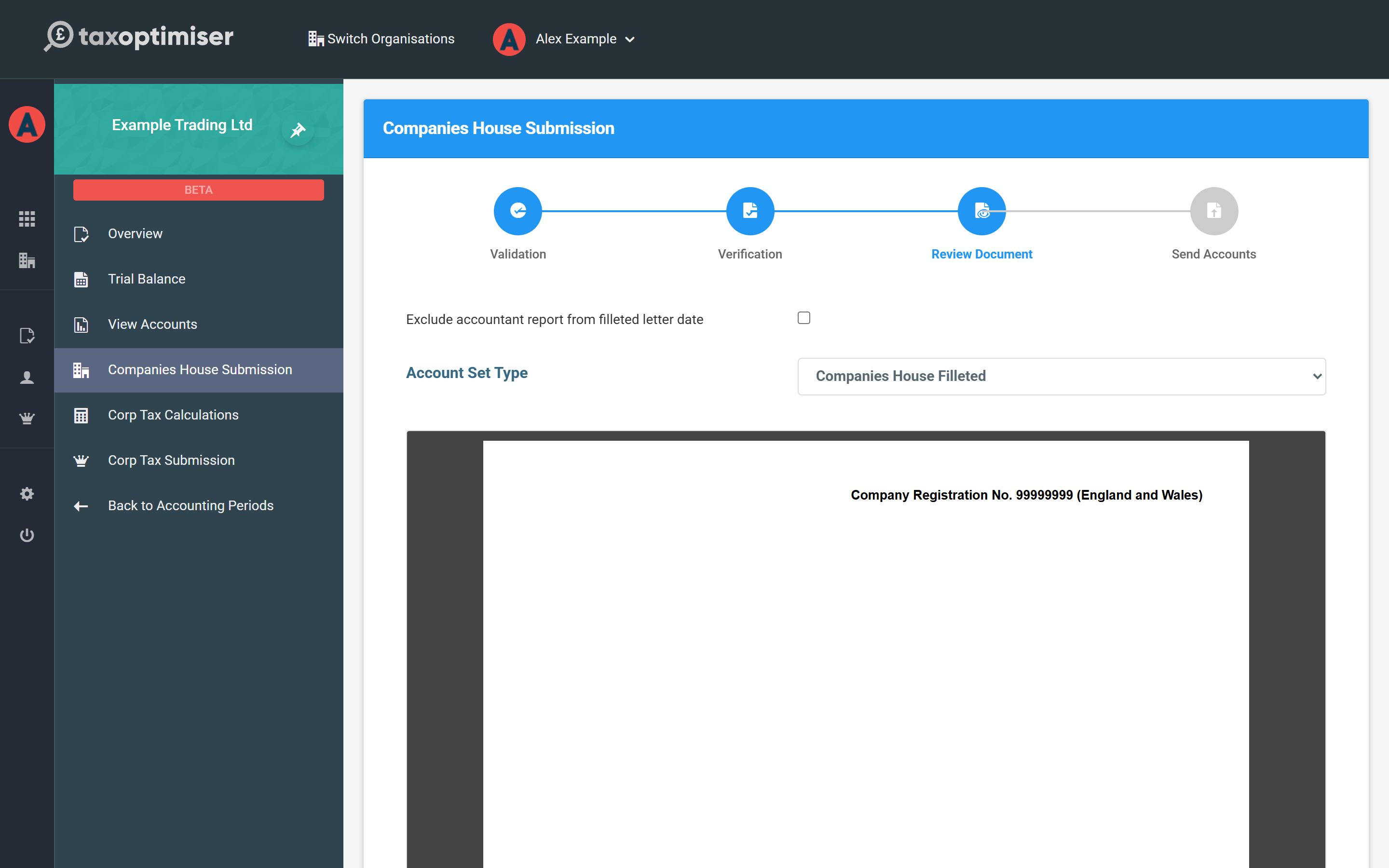
The Account Set Type selector above the preview switches which version you are looking at (and which one the download buttons fetch). It does not commit you to anything — you choose again at submission time.

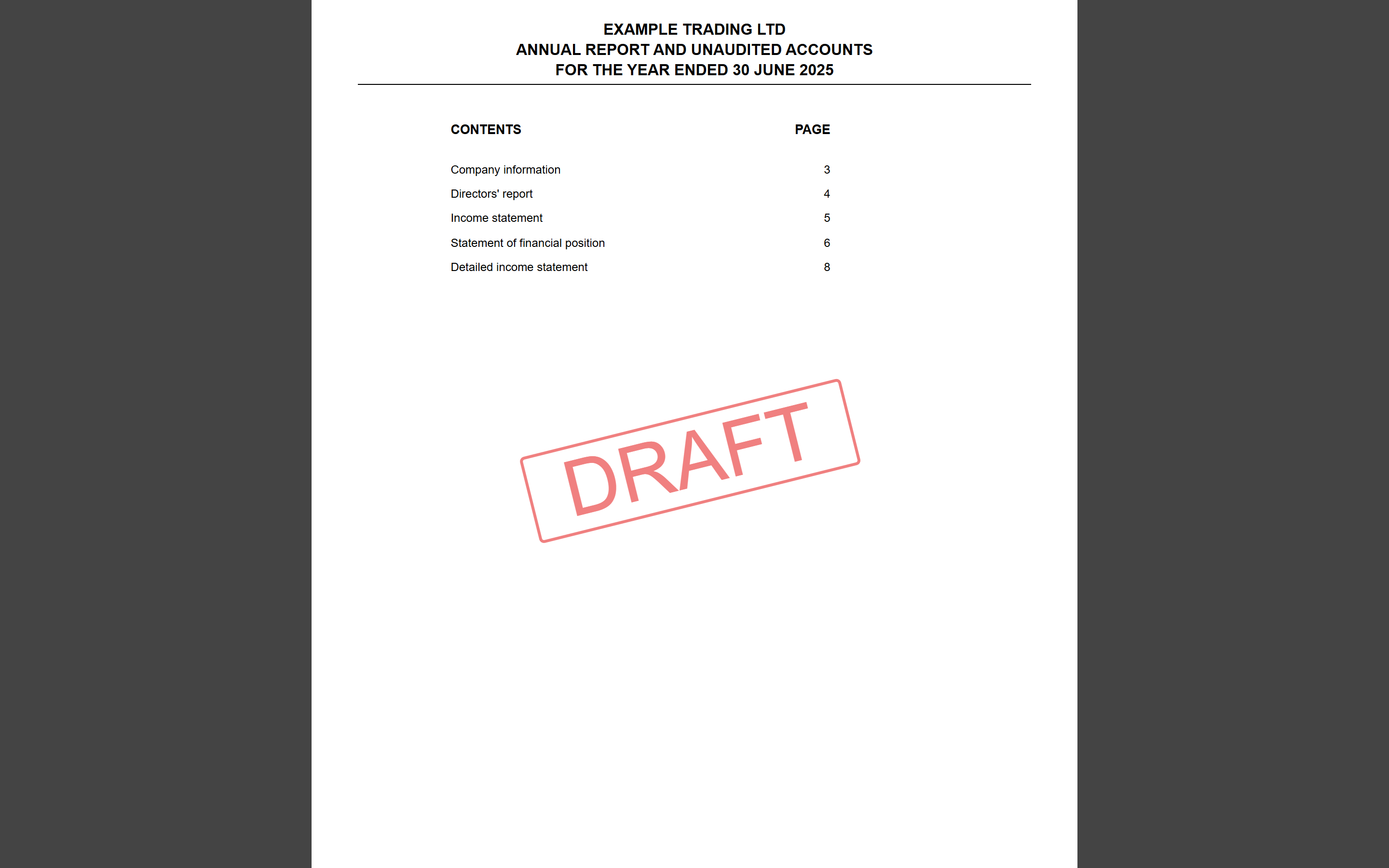
Compare the two contents pages. The full accounts list the income statement and the detailed income statement…
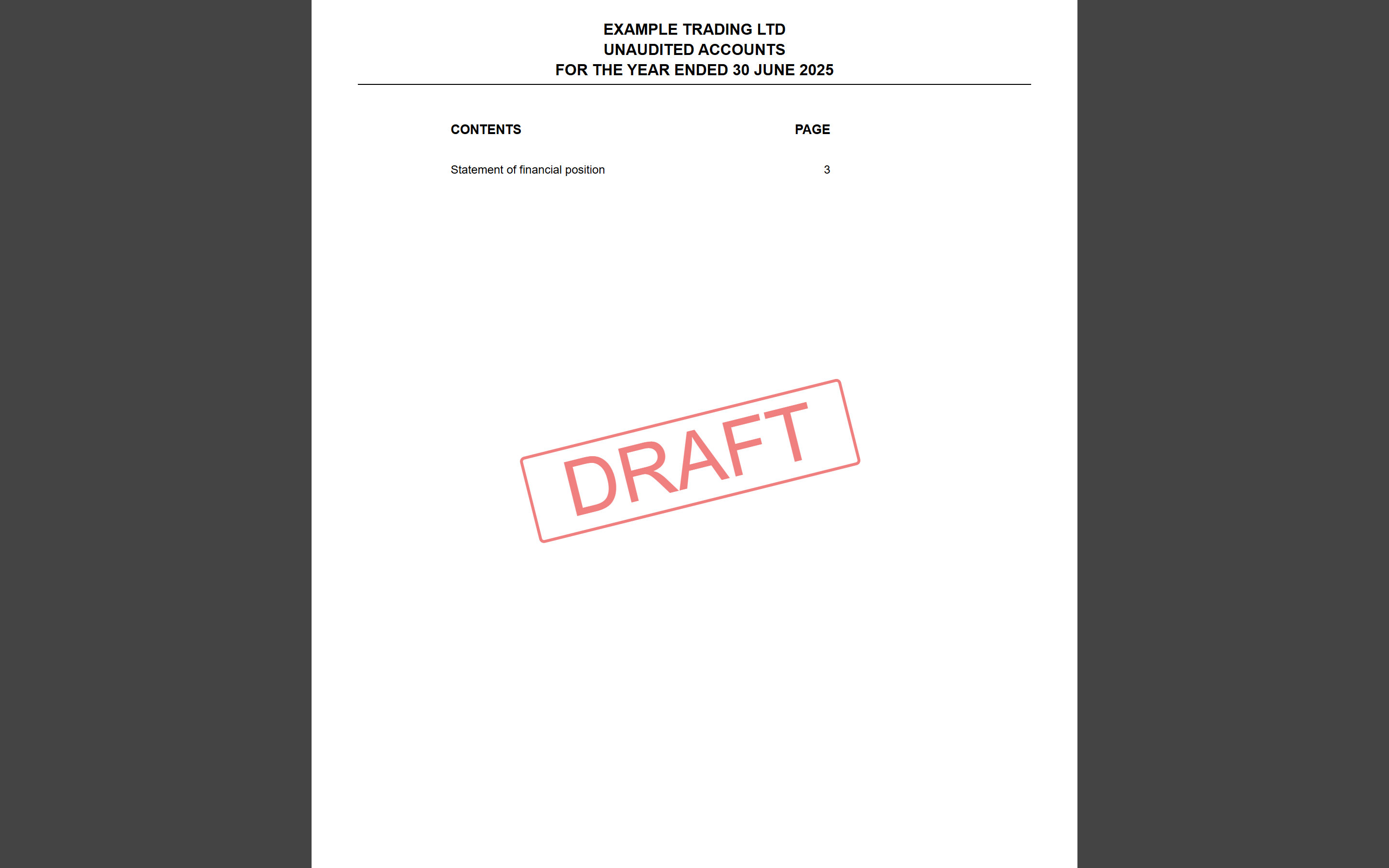
…while the filleted set keeps just the statement of financial position and notes:
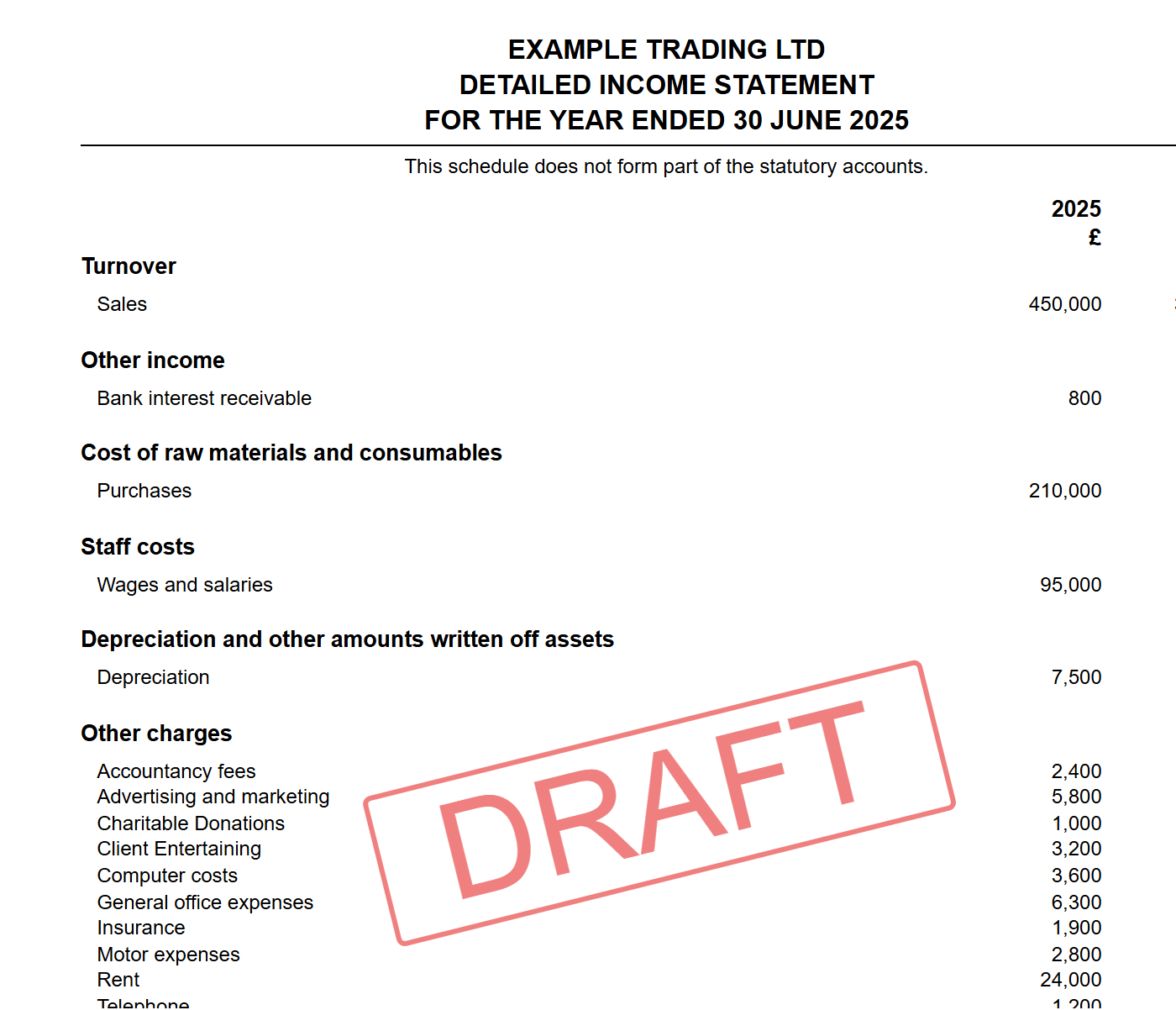
The detailed income statement is a working schedule for you and your accountant — it is marked “does not form part of the statutory accounts” and only ever appears in the full version:
Where each version goes
- Companies House — new periods default to filing the filleted version, and that is all Companies House requires.
- HMRC — the full accounts always travel with your CT600: when you submit the Corporation Tax return, Tax Optimiser attaches the full iXBRL accounts to it automatically.
When you reach the Companies House submission wizard, the Review Document step offers the same Account Set Type choice one final time, so you can file full accounts publicly if you prefer:
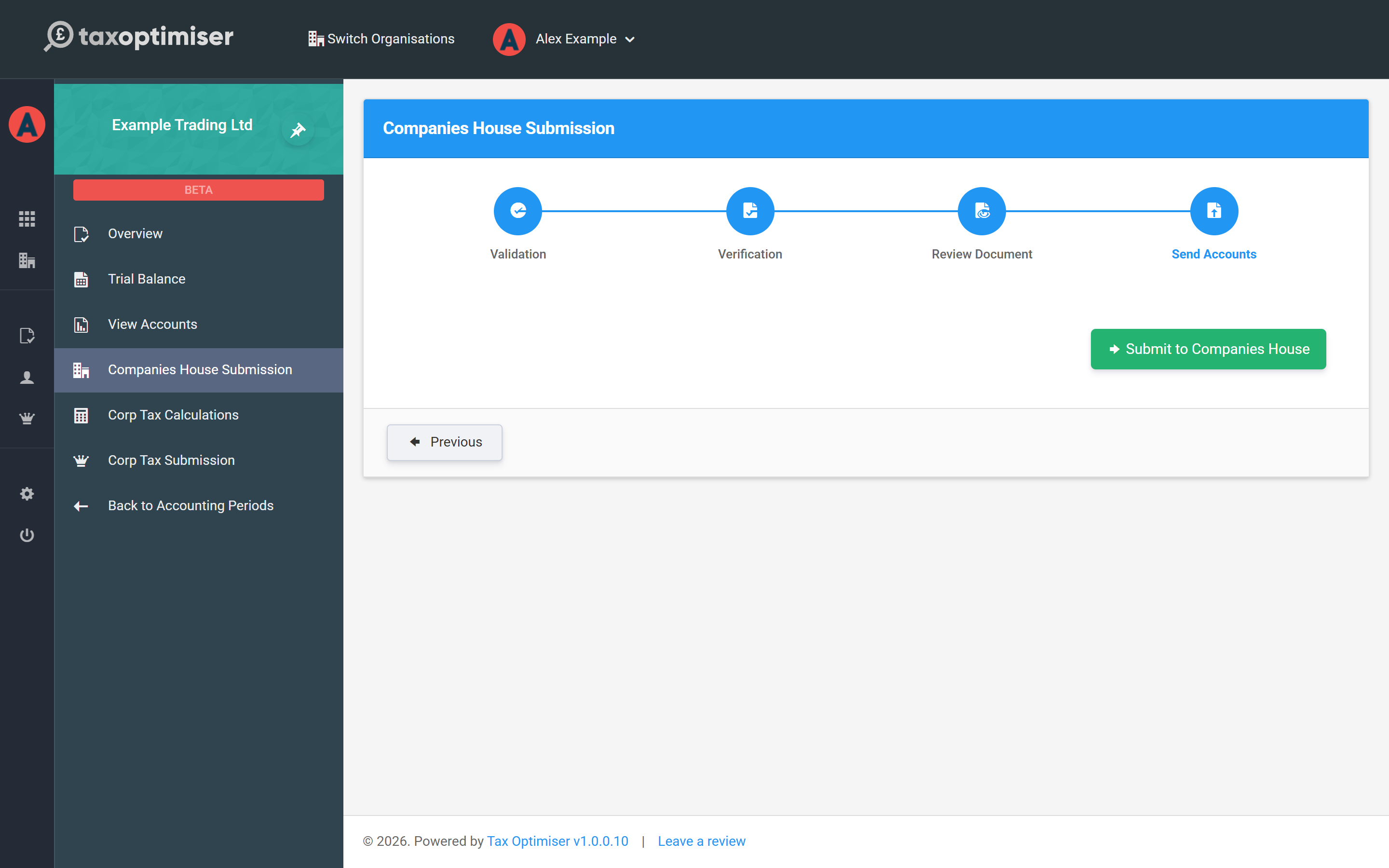
If you pick the full set, the send step reminds you that filleted is all that’s required:
Amended accounts
If you discover an error after filing, you can replace the accounts with a corrected version that carries the iXBRL amendment indicator, telling Companies House and HMRC the filing supersedes an earlier one. It's a one-way step that can't be undone from the screen, so only do it once an original filing has been accepted and your corrections are in. The full walk-through — correcting the figures, marking as amended and re-filing — is in How to amend a set of accounts.
Next: fill in the company’s details — see Company information, dates, pages and addresses.