
Before the accounts leave the building, three things stand between you and the send button: the validation checks, the signature, and — for your own records — the signed copy.
Validation: warnings and errors
When anything needs attention, a Validation entry appears in the Actions list with a count badge. Open it and each item explains itself, with a Go button that takes you straight to the field involved and, for warnings you’ve judged acceptable, a Dismiss:
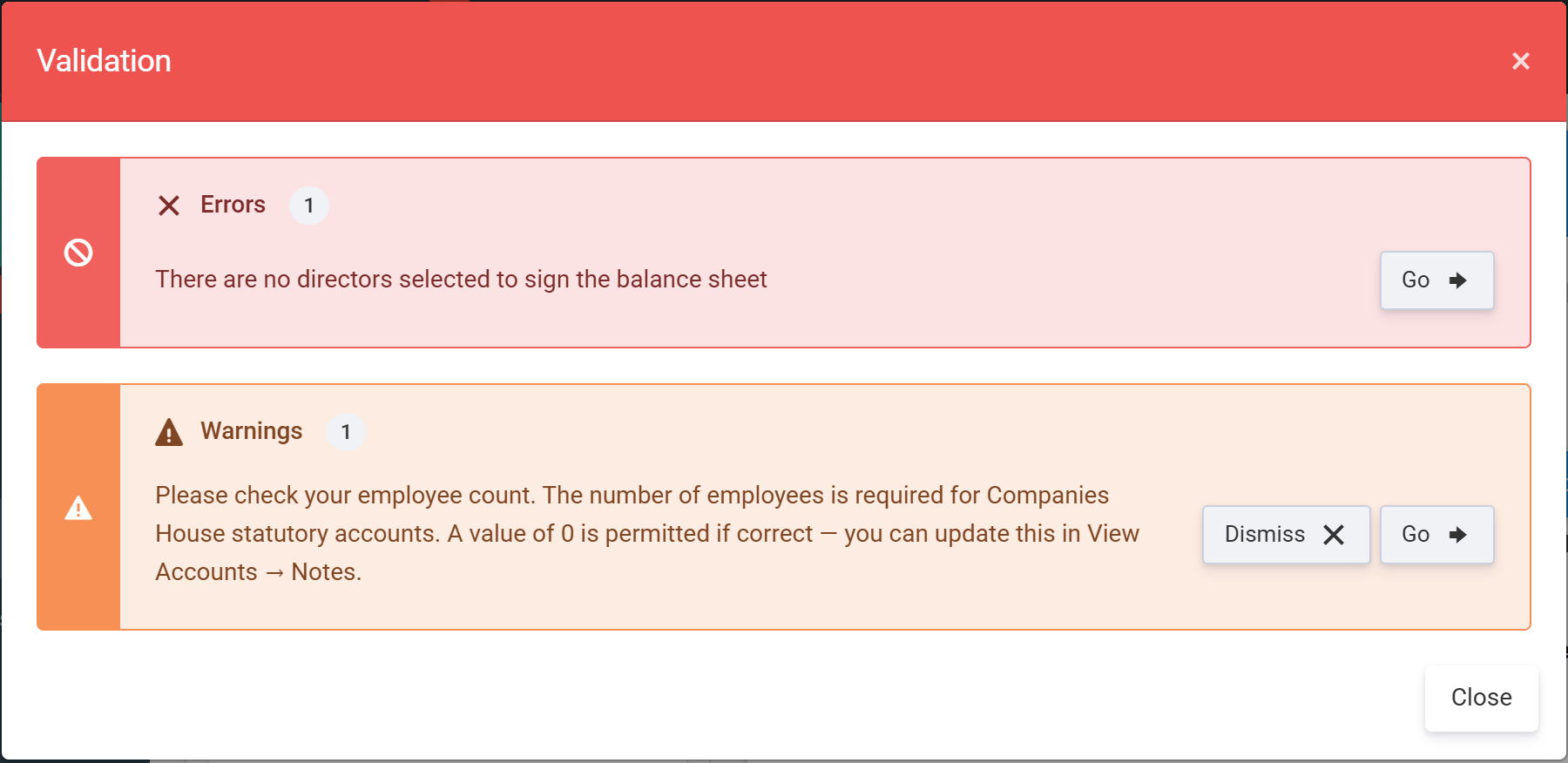
Warnings (amber) are advisory — the zero-employee-count check is the classic example. Errors (red) are blocking: while any remain, the Submit Companies House action opens the error list instead of the submission wizard.
Signing the accounts
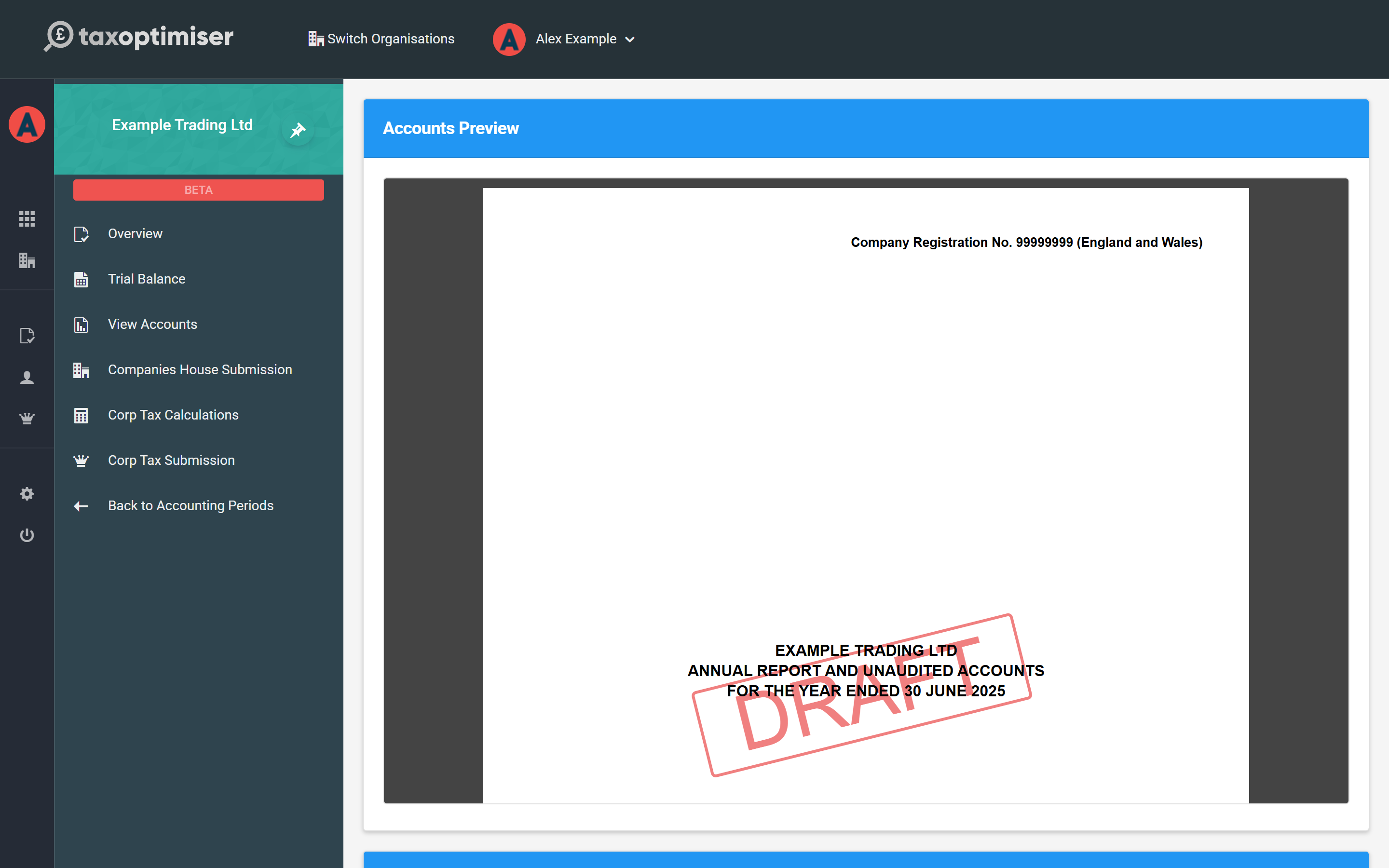
Sign Accounts records the board’s approval: who signed and when. Combined with the signing director designated in the Directors window, this completes the approval statement printed on the balance sheet.
The signed copy — for your records only
Once the directors have physically (or electronically) signed the accounts, store the signed copy against the period with Upload Signed Accounts (PDF or Word, up to 25 MB):
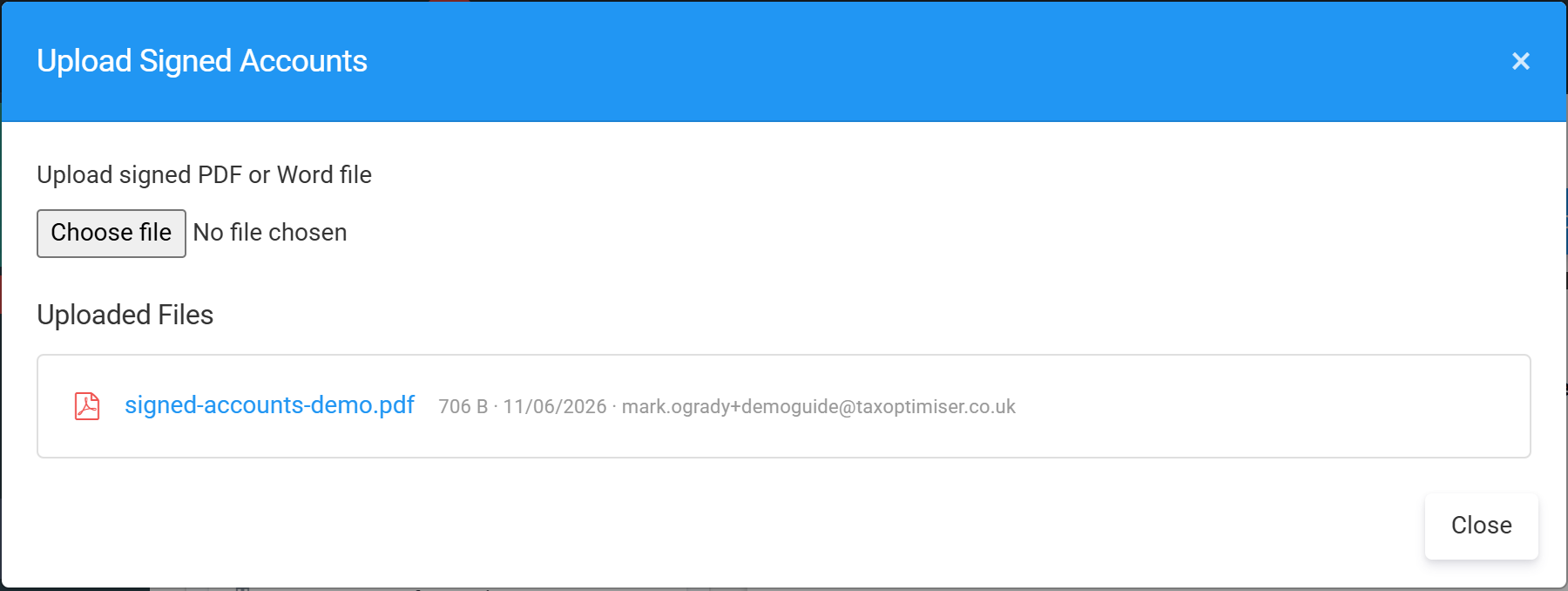
Uploads are listed at the top of the View Accounts screen from then on:

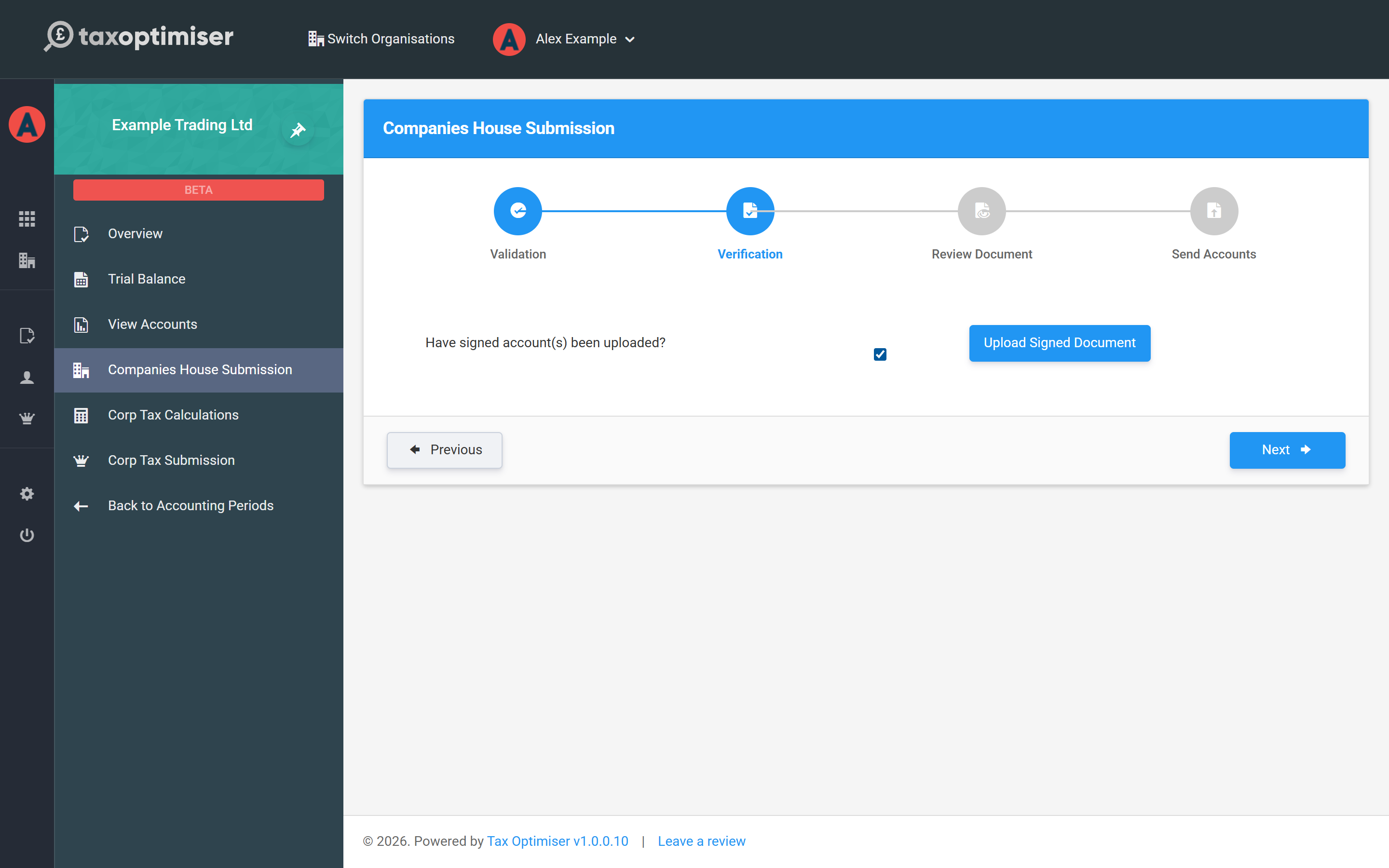
Two things to be clear about: you must designate who signs the accounts — the filed document carries the typed approval statement — but the uploaded signed copy itself is never sent to HMRC or Companies House. Both accept the iXBRL document without a manuscript signature; the upload exists so the signed original is on file if it is ever asked for. The Companies House wizard does ask you to confirm a signed copy has been uploaded before it lets you continue:
Ready to file
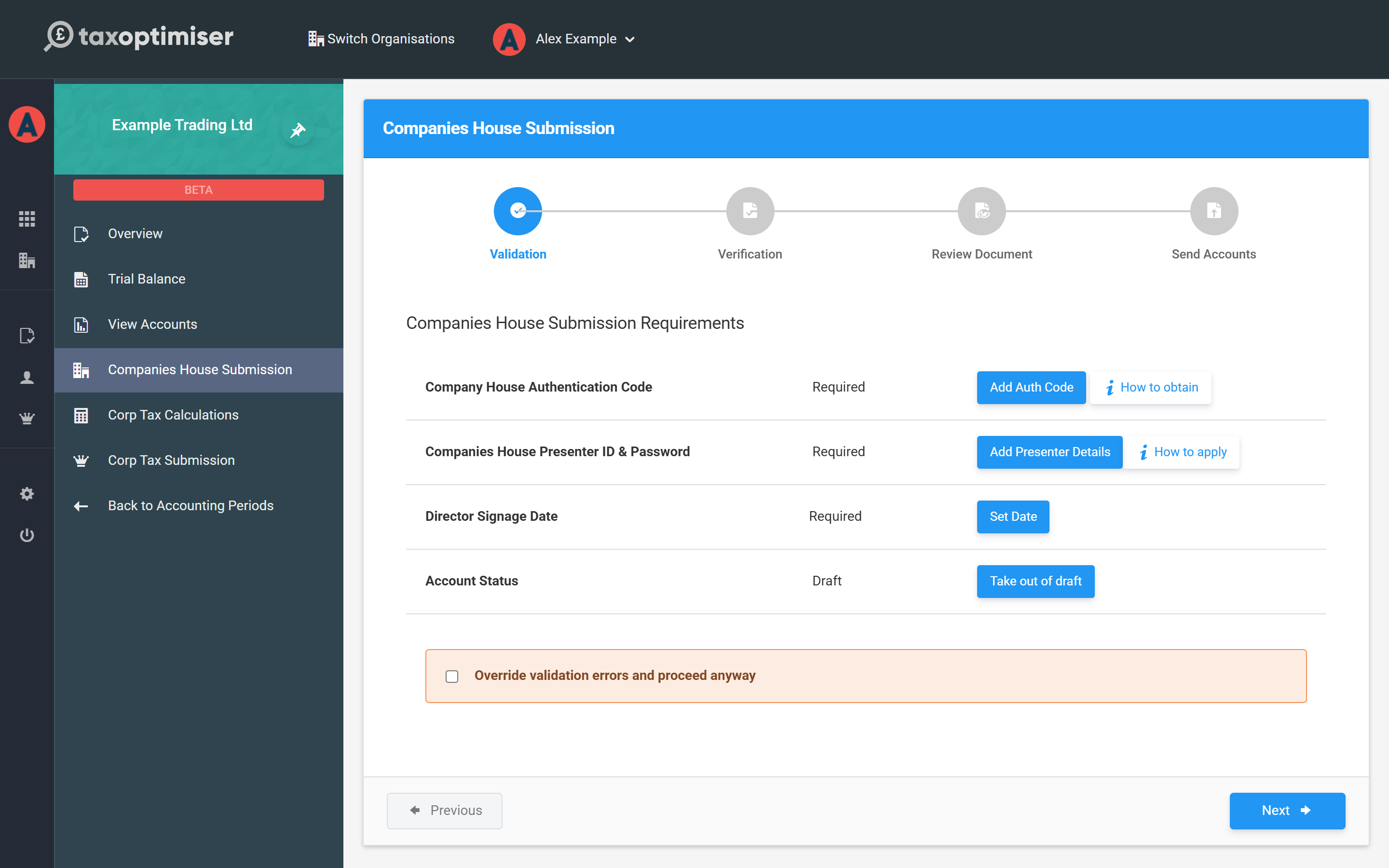
The wizard’s first step lists everything else it needs — the Companies House authentication code, presenter credentials, the director signage date and taking the period out of draft:
From here the journey continues into the submission flows: the filleted accounts to Companies House through this wizard, and the full accounts to HMRC attached to your CT600 — covered in the Corporation Tax guide. Or start this series again from the View Accounts tour.