
SA800 returns hang off a partnership period — the partnership’s equivalent of an accounting period, created and managed from the LLP (SA800) menu.
Before you start: the organisation must be a partnership
The LLP (SA800) menu section only appears when the selected organisation’s company structure is Limited Liability Partnership or Partnership. If you can’t see it for a client, check the structure type on the organisation’s details first — and remember the feature is in beta, so it also needs to be enabled for your firm (email support@taxoptimiser.co.uk).
The returns list
Selecting LLP (SA800) opens the partnership’s returns list: one row per period showing the partnership name, period start and end, how many partners are on the statement, and the period’s status.
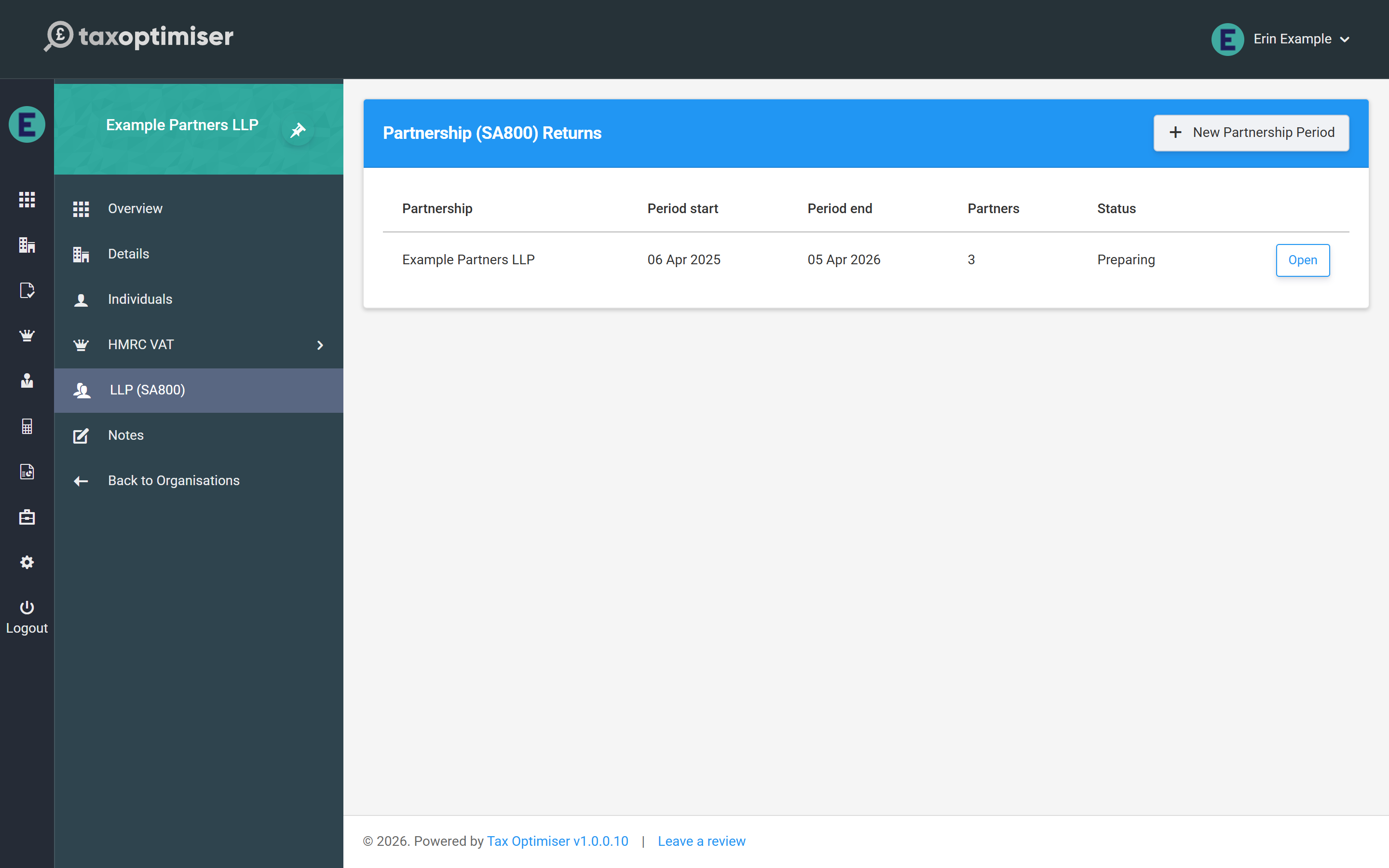
A period moves through the statuses Ready to start → Preparing → Ready for review → Submitted → Complete (with Archived for periods you no longer need in view).
Creating a period
Click New Partnership Period. Tax Optimiser creates the period and opens the return wizard straight away, prefilled with sensible defaults:
- Period dates default to the most recent tax year (6 April to 5 April) — change them if the partnership’s accounts are drawn to a different date
- The partnership name is taken from the organisation
- The UTR is prefilled from the tax reference held on the organisation’s details, if there is one
Check the filing due date on the Details step: for a return filed online the deadline is 31 January after the end of the tax year, and the prefilled date is only an approximation of that.
Next: the Details step — identity, declarations and the page 2 questions.