
The final step pulls the whole return together: a summary to review, the official form to print, and the submission itself.
The final checks
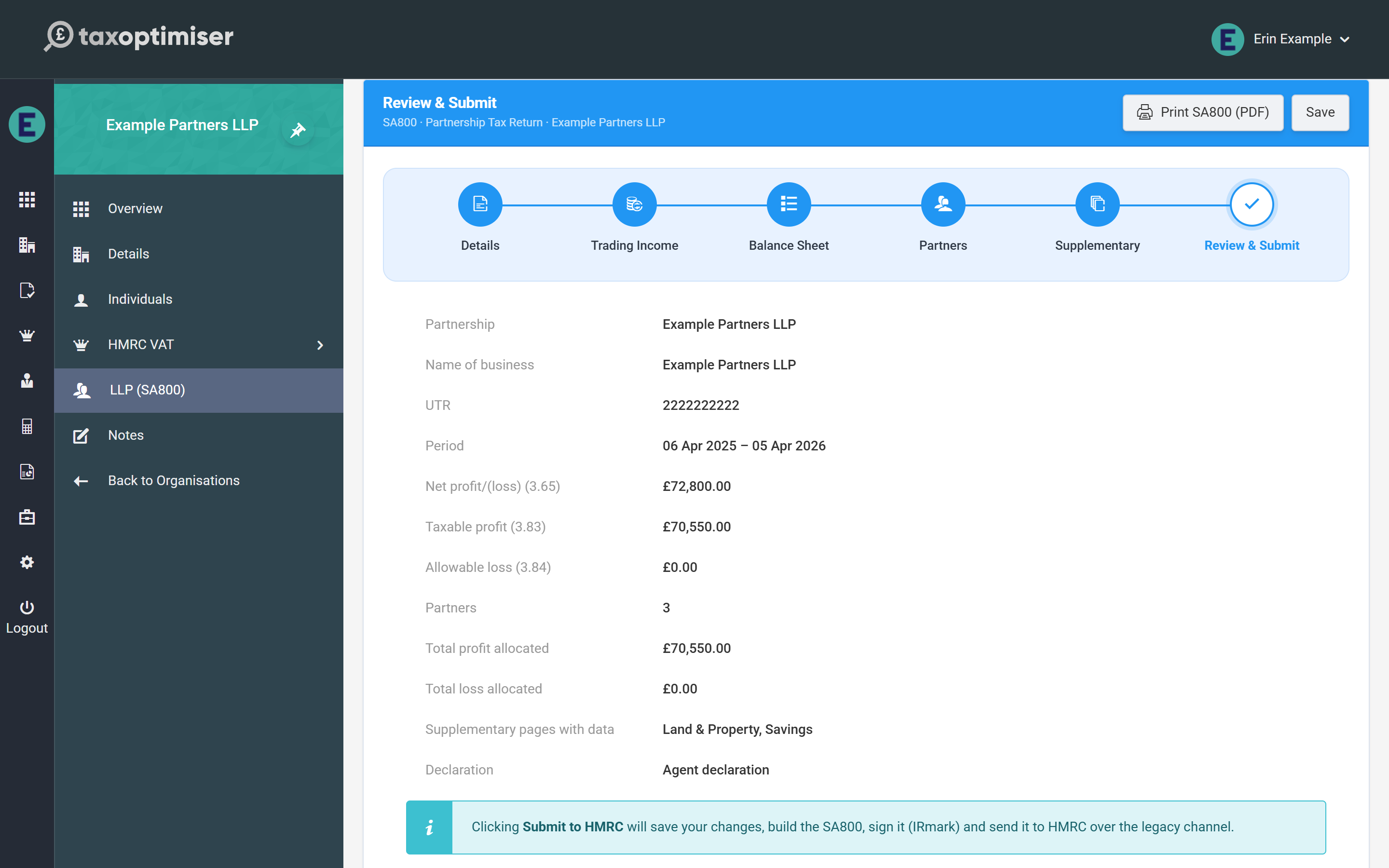
The summary shows the partnership, business name, UTR, period, the headline figures (net profit 3.65, taxable profit 3.83, allowable loss 3.84), the partner count against the totals actually allocated, which supplementary pages carry data, and the declaration type. Two warnings can appear here and both deserve fixing before you submit:
- UTR check — if the partnership’s or any partner’s UTR fails the check digit, submission is guaranteed to be rejected with error 8205
- Allocation mismatch — the partners’ shares don’t add up to the return’s boxes 3.83/3.84
Printing the official form
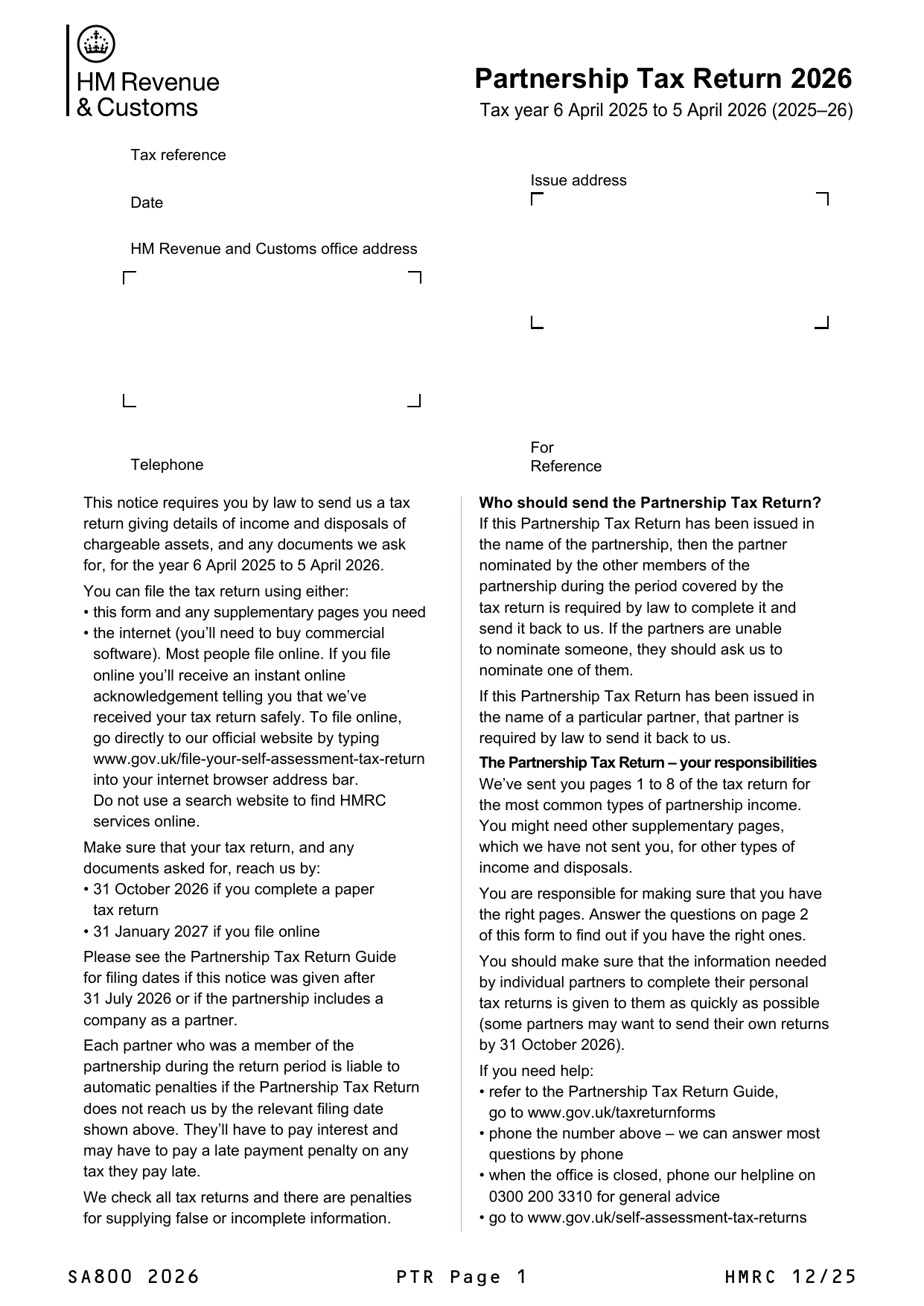
Print SA800 (PDF) renders the partnership’s figures onto the official HMRC SA800 form — ideal for a review file or for the client’s records. The button appears in the wizard header throughout, and one caution applies: the PDF is built from saved figures, so click Save first if you have just made changes (the footer tells you when there are unsaved changes).
What Submit to HMRC actually does
Clicking Submit to HMRC saves your changes, builds the SA800 from the saved return, signs it with an IRmark (the tamper-evident signature HMRC requires), sends it over HMRC’s online channel, and then polls until HMRC confirms the outcome — you watch a single progress screen until the return is accepted or rejected. On success the screen confirms “SA800 submitted to HMRC” and the period moves through Submitted towards Complete.
If something goes wrong
A rejection shows HMRC’s response on screen — fix the return and submit again. For an amended return (one HMRC has already accepted), tick This is an amended return on the Details step before resubmitting and the new filing replaces the original. Every submission’s full exchange with HMRC is logged, so if anything looks stuck, email support@taxoptimiser.co.uk and the team can trace the filing end to end.
Back to the start: Partnership (SA800) returns in Tax Optimiser (beta).